
JP AJAX Search - How to install & use
Article Index
- JP AJAX Search
- How to install & use
- Basic Module Settings
- Using Language Constants in Text Fields
- Source Status Overview
- Joomla Articles Source
- Product Sources
- Phoca Cart Source
- HikaShop Source
- J2Commerce Source
- DJ-Catalog2 Source
- OCH Subscriptions Source
- Document and File Sources
- jDownloads Source
- DOCman Source
- eDocman Source
- Event Sources
- Event Booking Source
- JEvents Source
- Frontend Style Presets
- Display Settings
- Smart Relevance Ranking
- Access Levels and Visibility
- Frontend Testing
- Troubleshooting
- Developer Notes
- Recommended Setup
- All Pages
Page 2 of 27
How to install & use:
- Download the latest version of the JP Ajax Search module from the product page.
- Install the module using Joomla Extension Manager.
- In Joomla admin, go to System -> Extensions.
- Upload the JP Ajax Search ZIP package and install it.
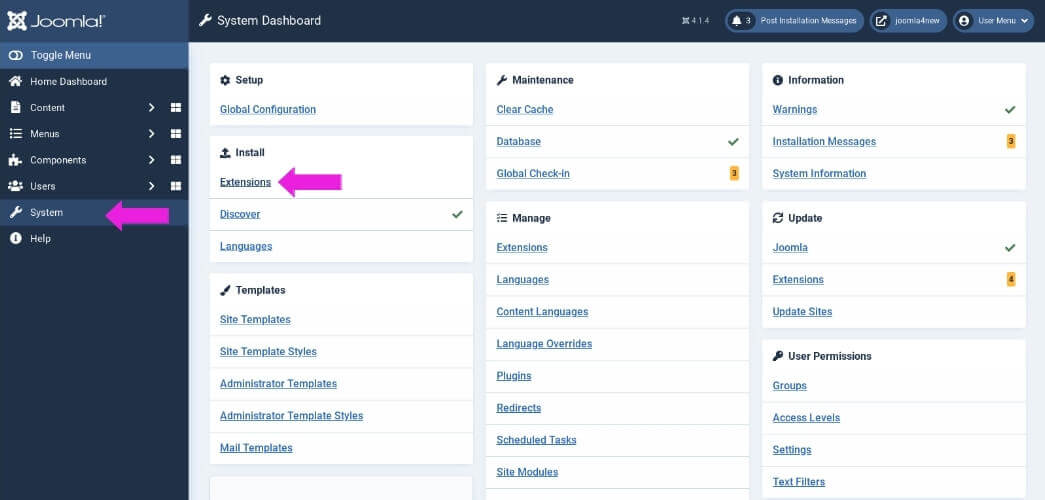
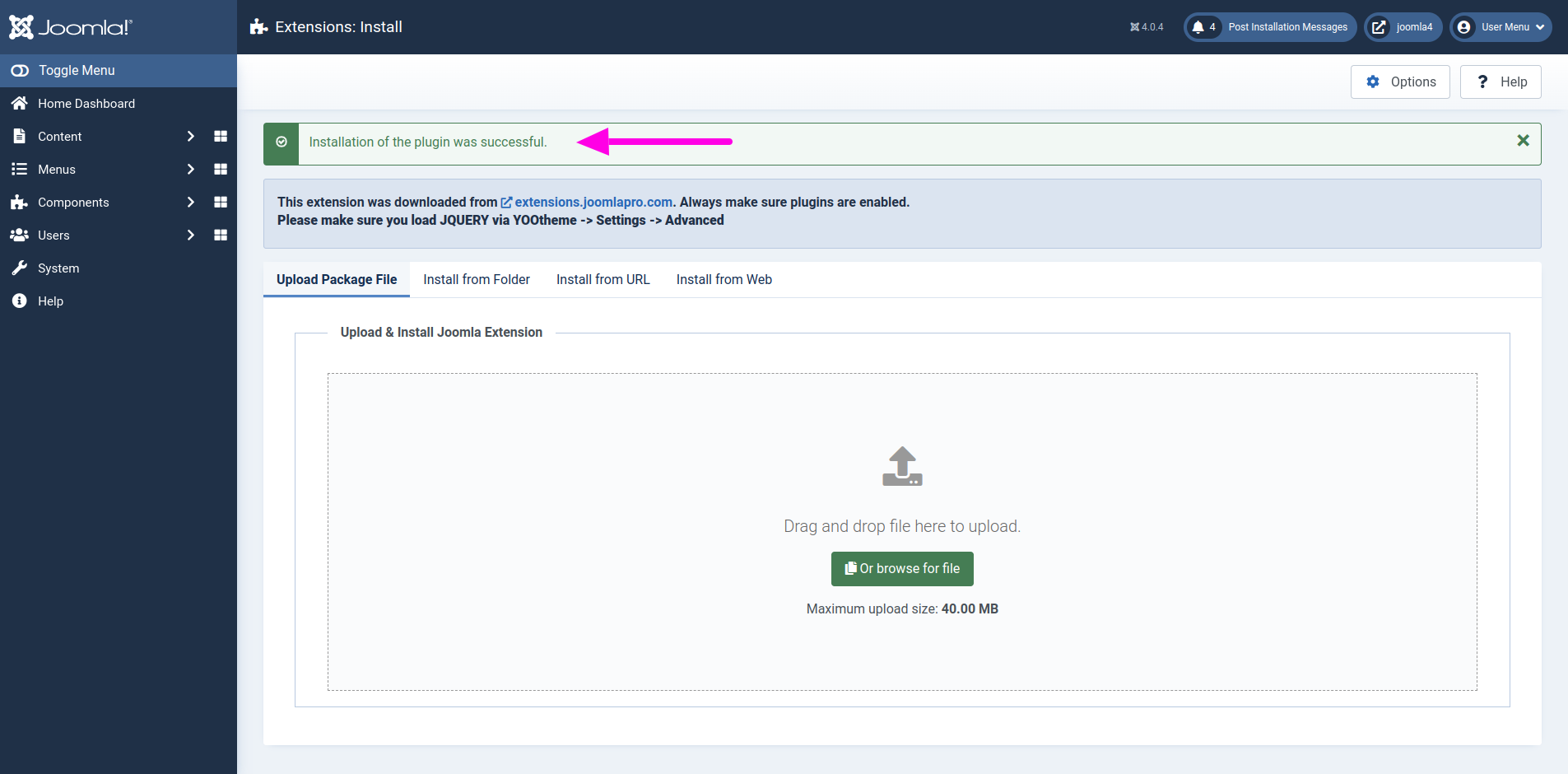
- After installation, go to Content -> Site Modules or System -> Manage -> Site Modules, depending on your Joomla version and admin workflow.
- Find the module named JP Ajax Search.
- Open the module and publish it.
- Select a suitable module position, for example a navbar, header, search, or custom module position.
- Assign the module to the menu pages where it should appear.
