
VMuikit X - How to install
Article Index
- VMuikit X
- How to install
- Recommended VM settings for VMuikitX
- Content Sources (Dynamic Content)
- Custom Category
- Custom Product
- VirtueMart Product Details Layout
- Child Products table
- Custom Badges for VM Products
- Add Ask a question button
- Add VM custom fields
- Add Product Ratings & Reviews
- Add Related Products
- Add Previous & Next Product link
- VirtueMart Category Layout
- VM Sub or child Categories
- VM Category Module
- VM Category Sorting Filter
- VM Category Products Prices Display
- VirtueMart Manufacturer Default Layout
- VM Order Thank You Page Layout
- VM Content Fields
- Custom Elements
- VM AddtoCart
- VM Category
- VM Category Grid
- VM Product
- VM Product Grid
- VM Grid
- VM Utilities
- Modules
- Component
- One Page Checkout plugin
- Shortcode Plugin
- Custom changes in VMuikit X override files
- Override VMuikit X modules layout files
- Override VMuikit X OPC layouts
- Override VM dynamic content fields in VMuikit X
- How to fix VMuikit X onepage checkout language issues?
- How to fix VMuikit X layout issues?
- Video Tutorials
- All Pages
Page 2 of 41
How to install:
VMuikit X supports YOOtheme PRO page builder / UIkit 3 templates
- Download the latest “vmuikit_package_10.x.x” from “VMuikit X” product page.
- Install the downloaded “vmuikit_package_10.x.x.zip” using the Extension Manager menu in the administrator section of your Joomla website.
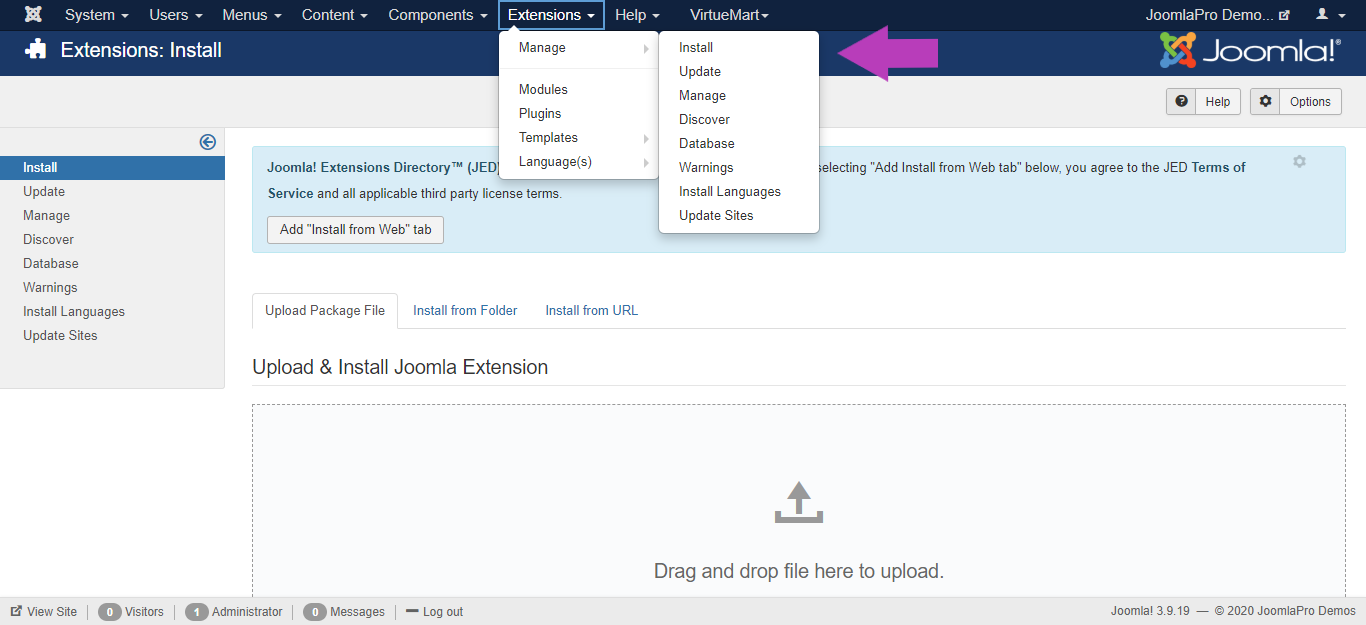
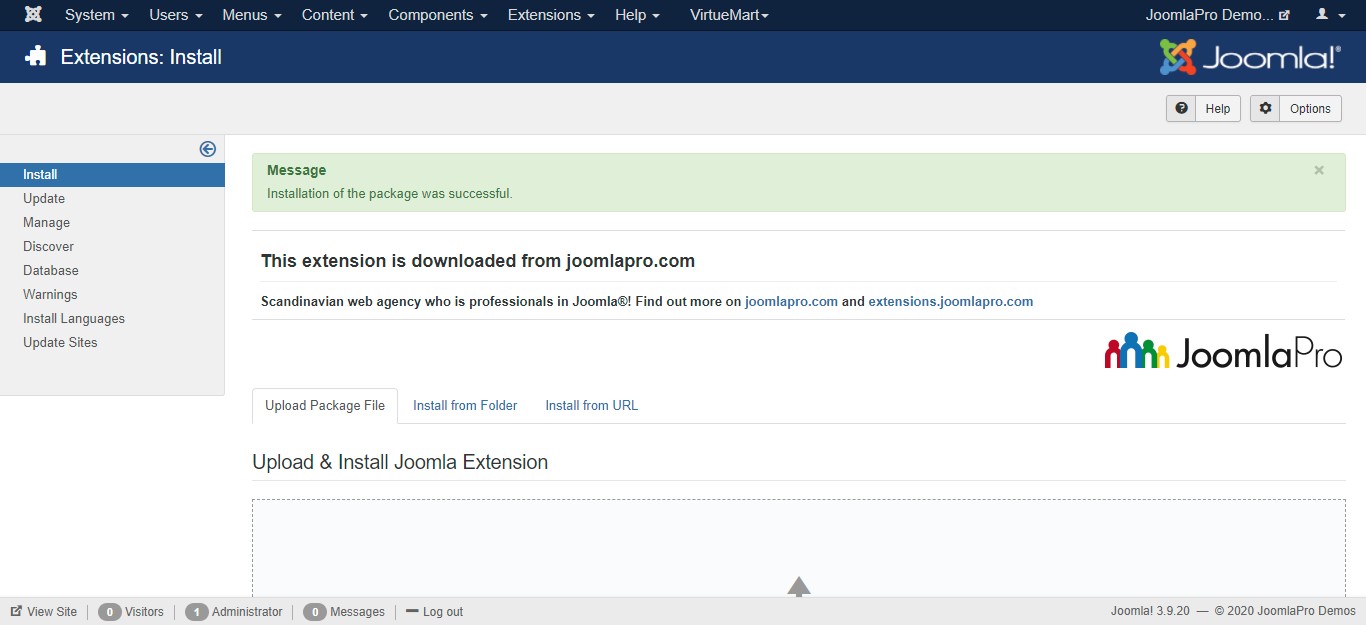
- After vmuikit_package_10.0.X successfully installed in your website then go to the next step.
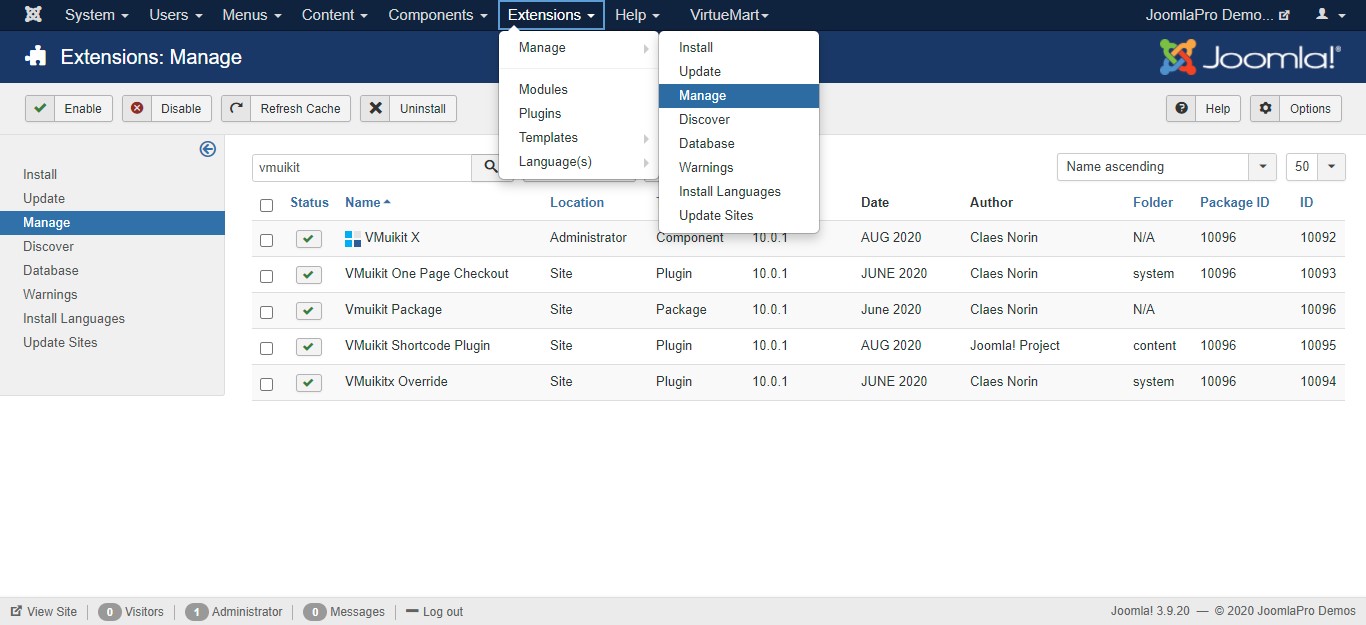
- From the main joomla menu click “Extensions -> Manage -> Manage”. Use the Search or Filter feature to find the installed VMuikit X plugins.
- VMuikit X installation also comes with several additional plugins like VMuikit One Page Checkout, VMuikit Custom Elements and VMuikit Shortcode Plugin. By default the installation enables all the plugins .
- If you want to use any other plugin for cart page then please disable our VMuikit One Page Checkout plugin.
- This installation creates the override files to "plugins/system/vmuikitx_override/html_override/" . However you can also override these by adding the same files in /html/ in your template path. This way you can update VMuikit X without your custom code being touched.

