HSuikit - Custom Product
Article Index
Page 4 of 9
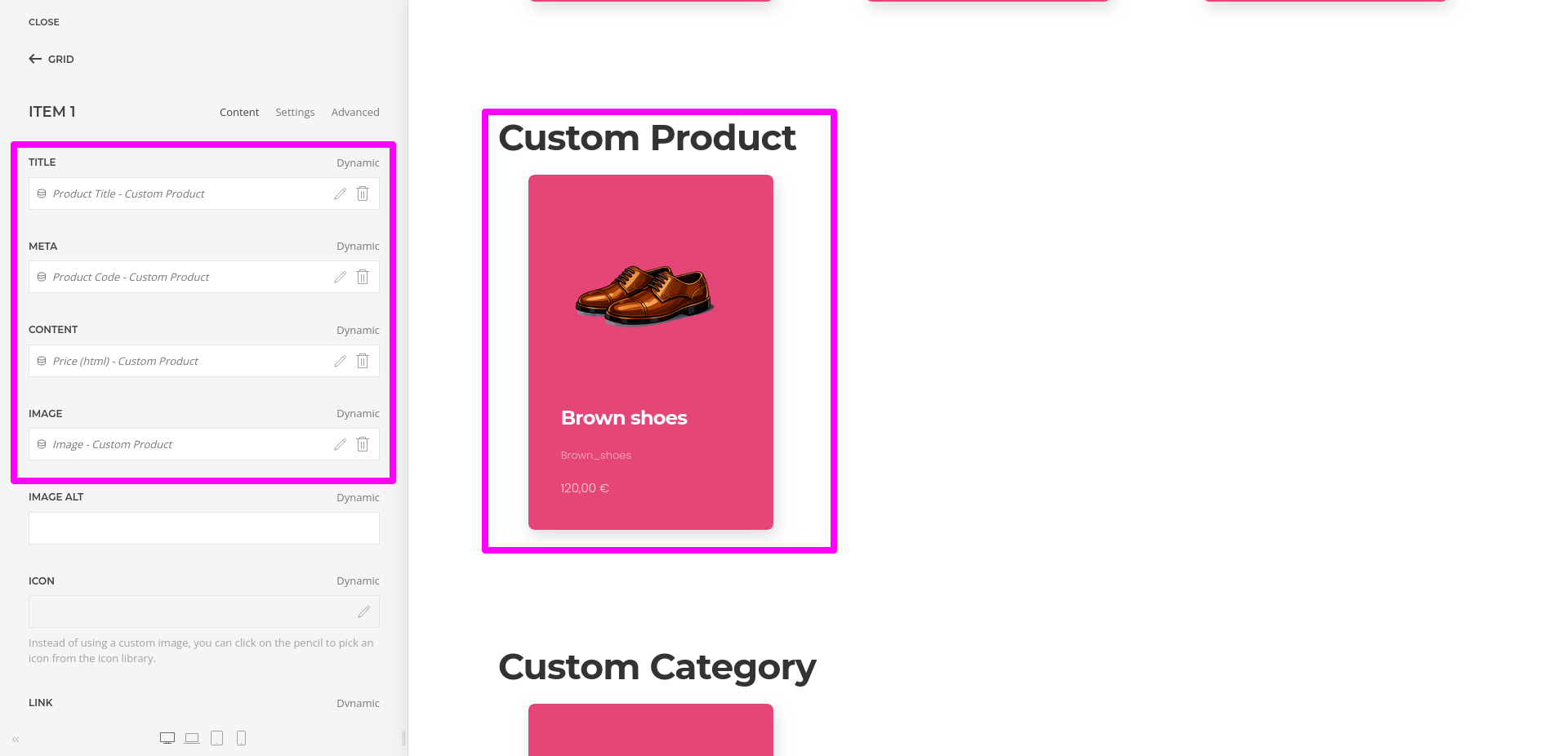
Custom Product:
- Open “YOOtheme” website builder inside the Joomla admin and edit the page where you want to display a custom product layout using dynamic content.
- Select the preferred builder elements from the YOOtheme Pro Website Builder elements list. For example, you may use Image, Heading, Text, and Grid elements.
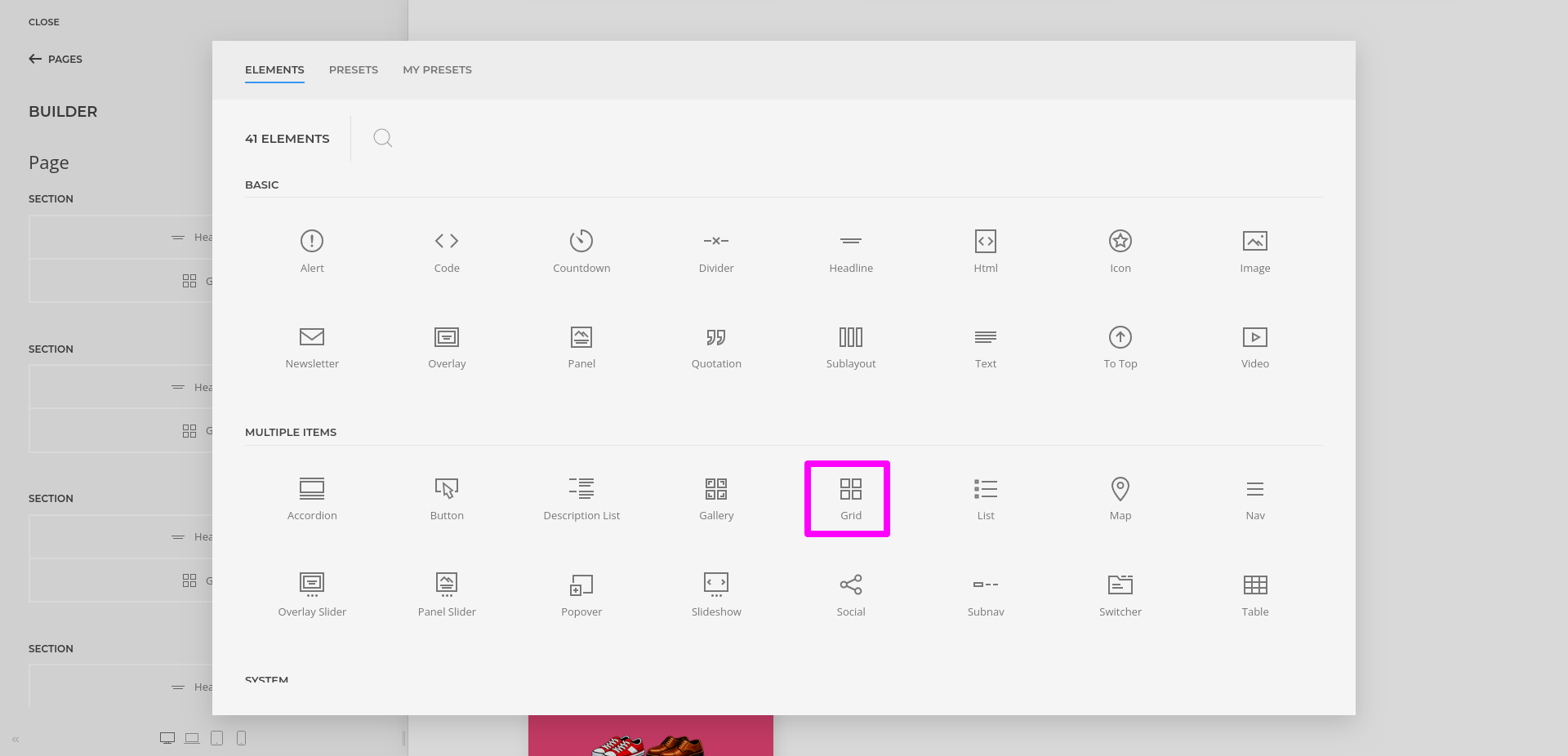
- Click “Advanced” in the selected element and choose the HikaShop product dynamic content source.
- Once a product source is selected, its fields become available for mapping inside the element settings.
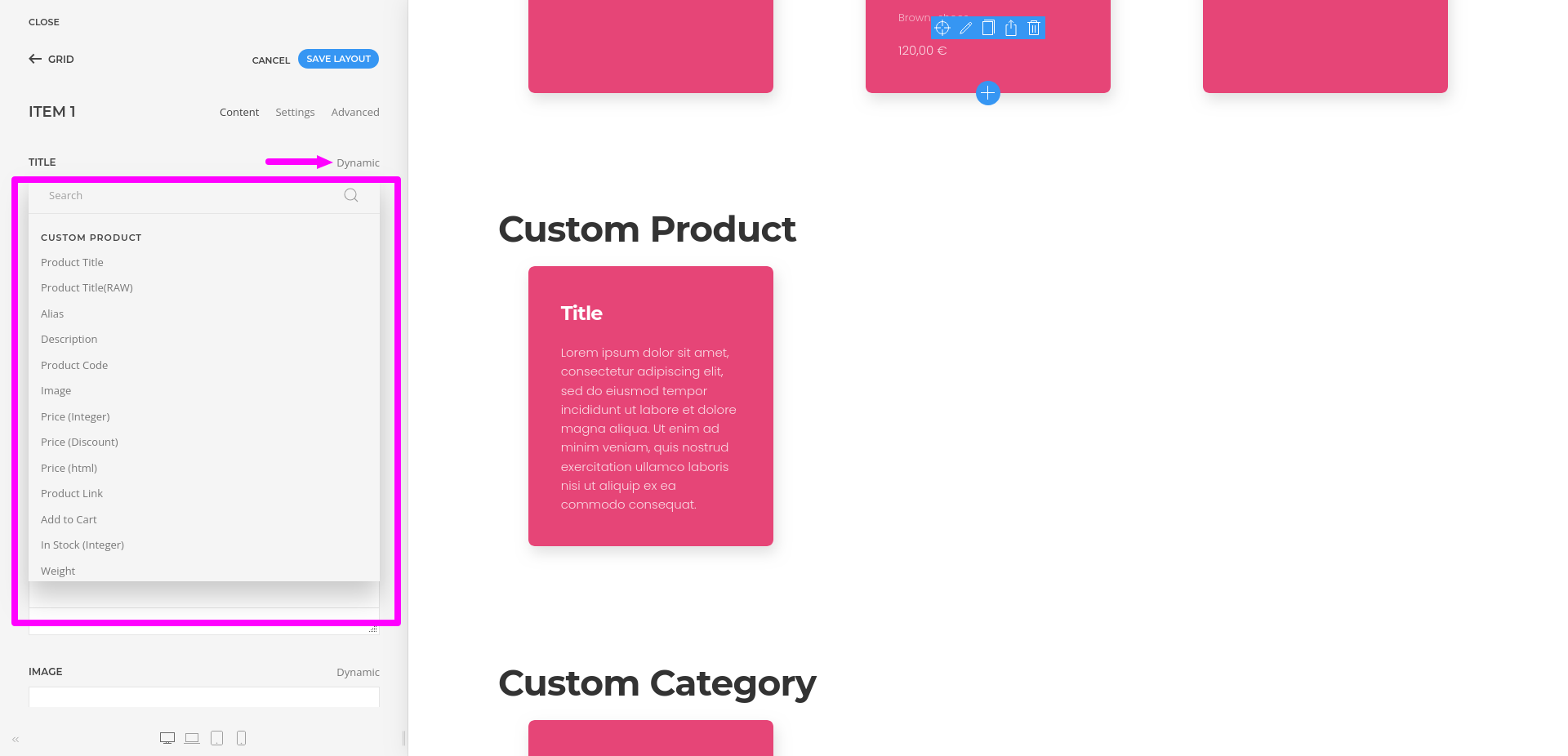
- To map a content field to an element field, open the Content tab of the element. Each field shows a Dynamic button on the right which opens a dropdown list of available fields.
- For example, you can map the image field to the product image, the heading field to the product title, the text field to the product description, and the HTML field to price or add-to-cart output depending on your layout.