HSuikit - How to install
Article Index
Page 2 of 9
How to install:
HSuikit Core supports HikaShop + YOOtheme Pro layouts and dynamic content workflows.
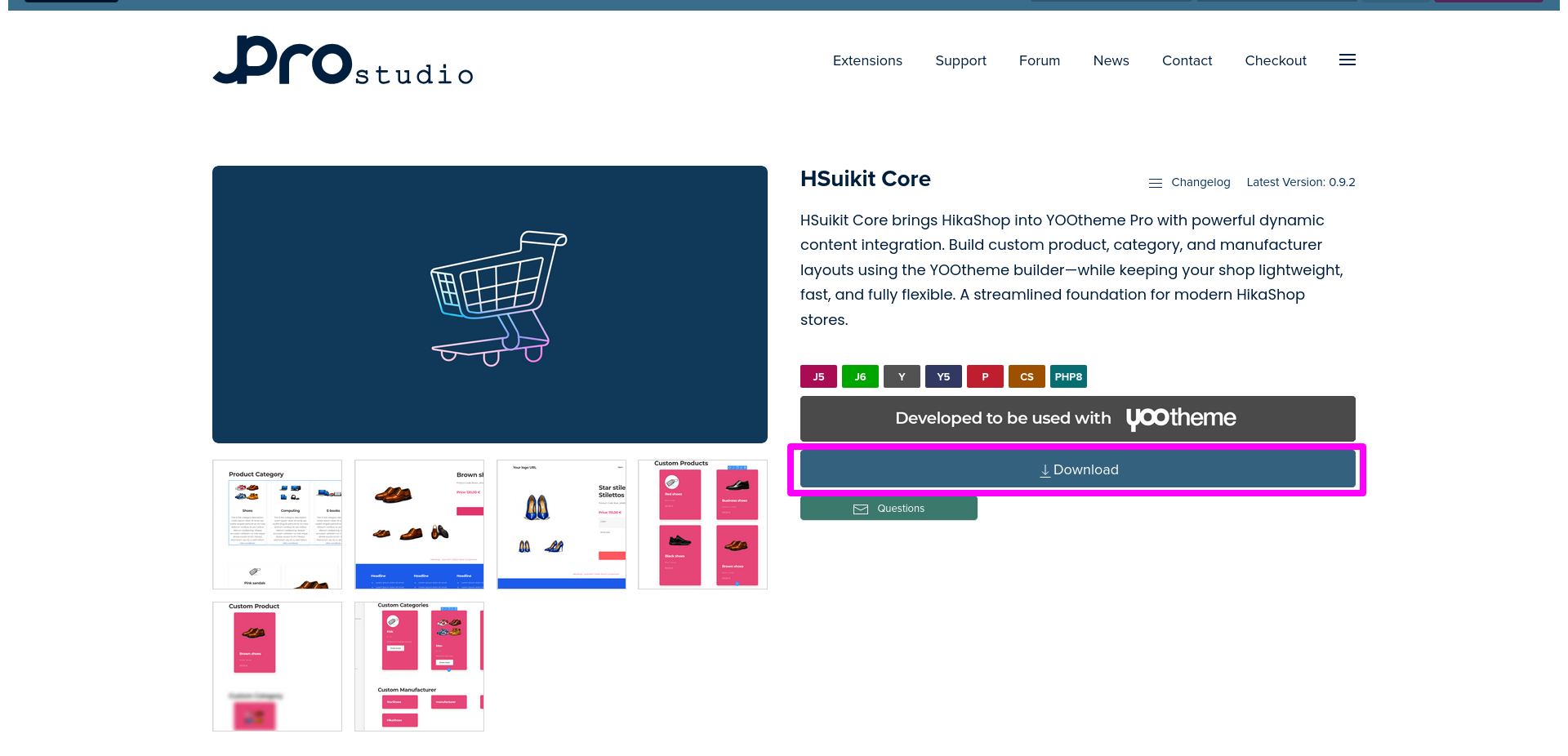
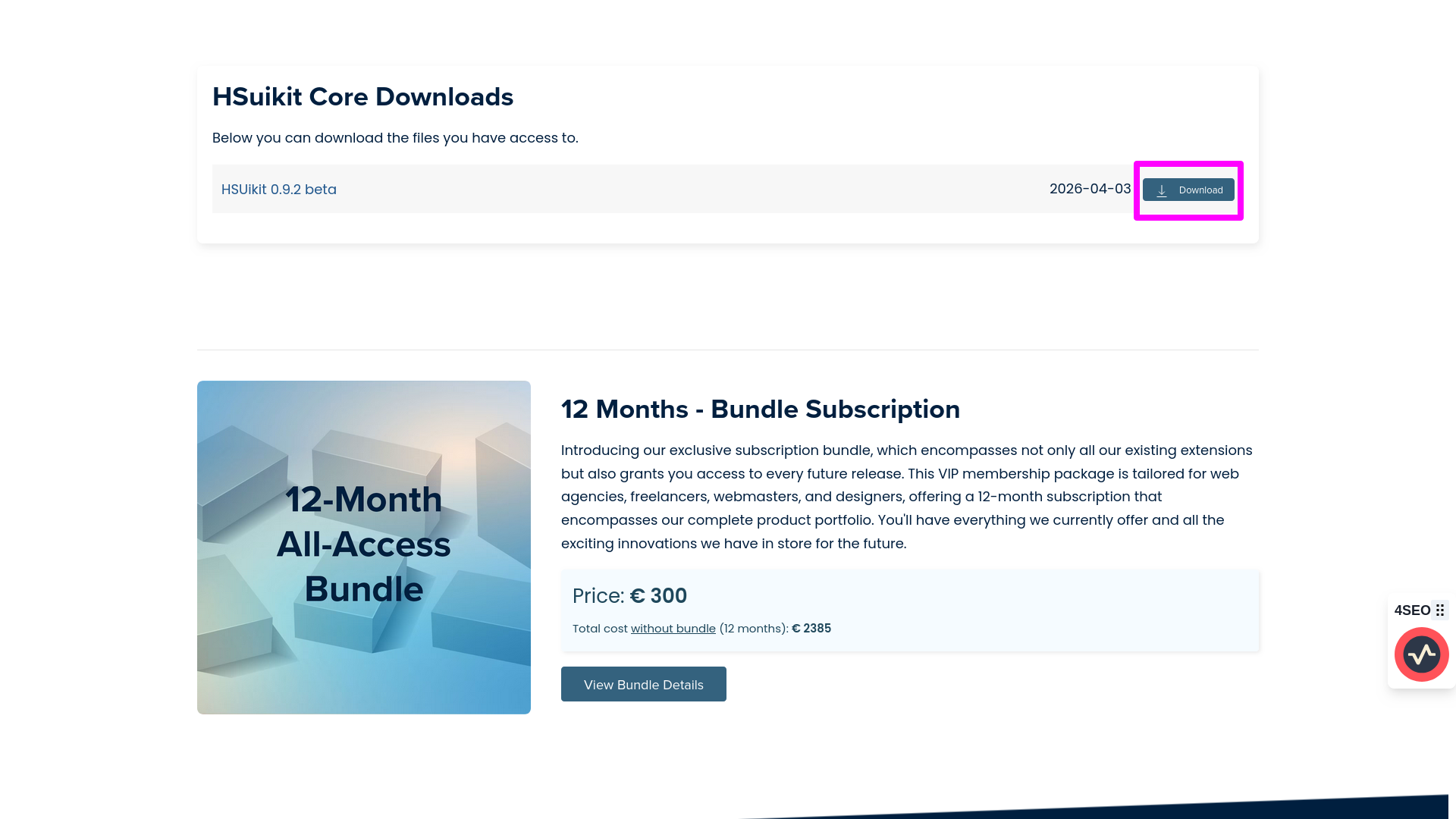
- Download the latest HSuikit Core package from the product page.
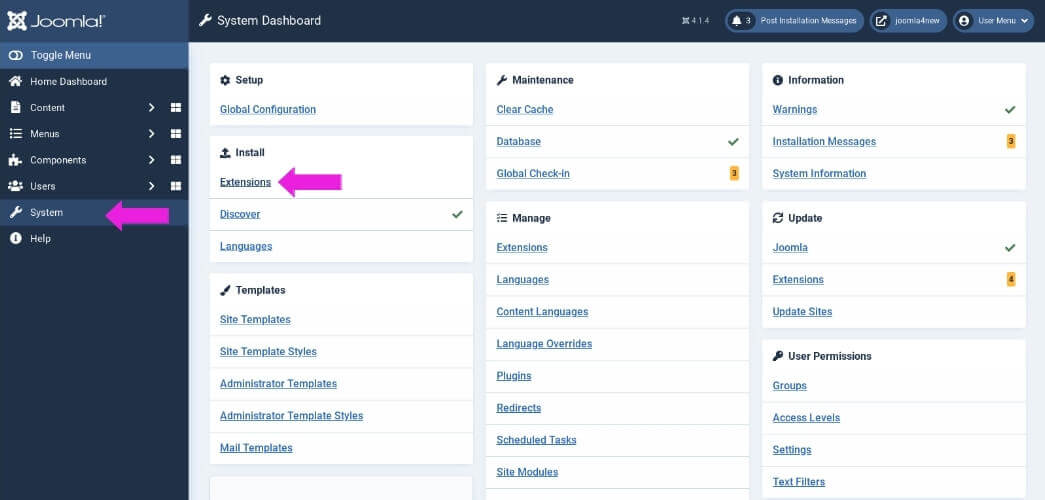
- You can install the plugin using the Joomla Extension Manager. Click “System -> Extensions” and then upload the zip file to install the extension.
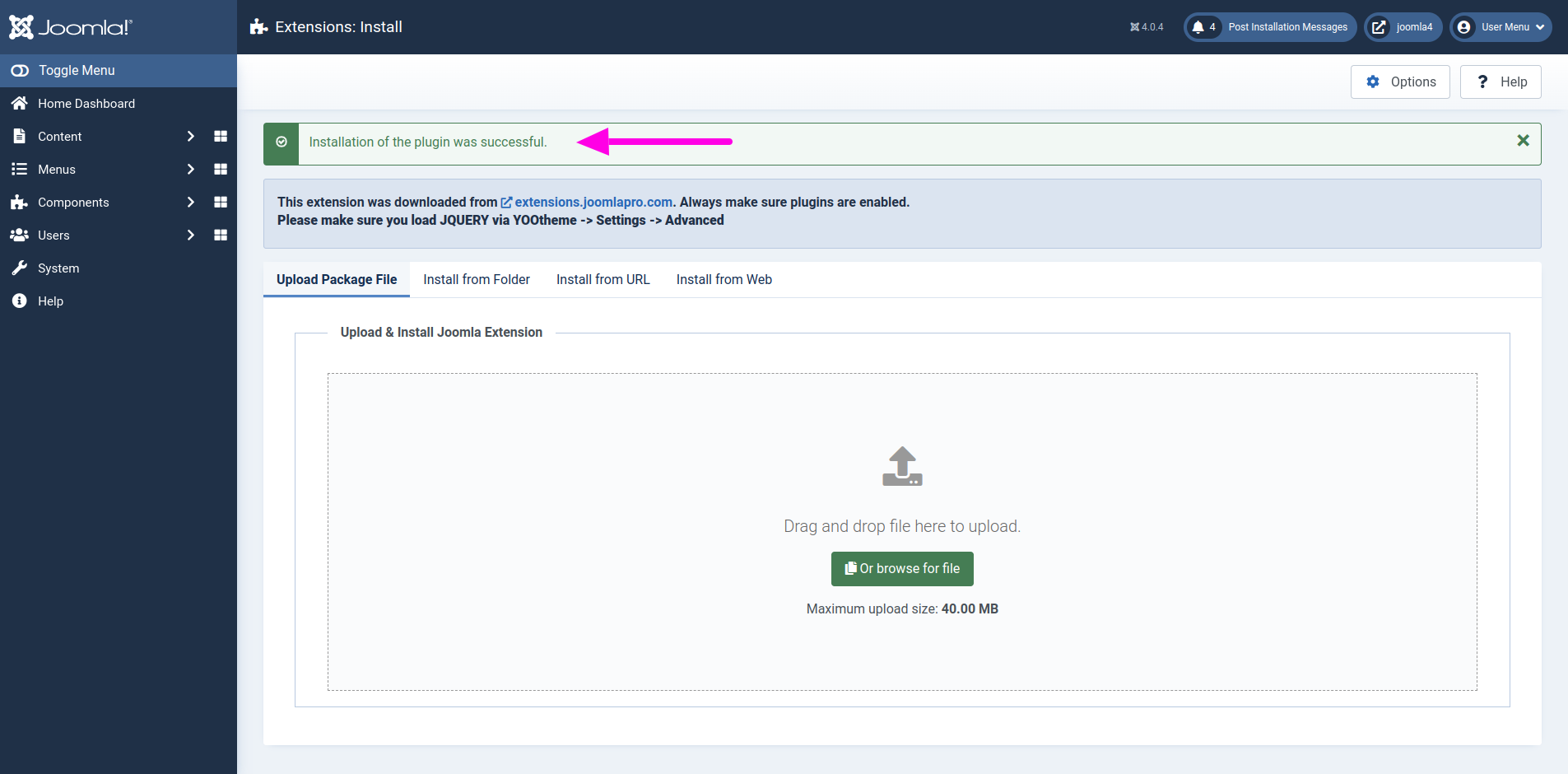
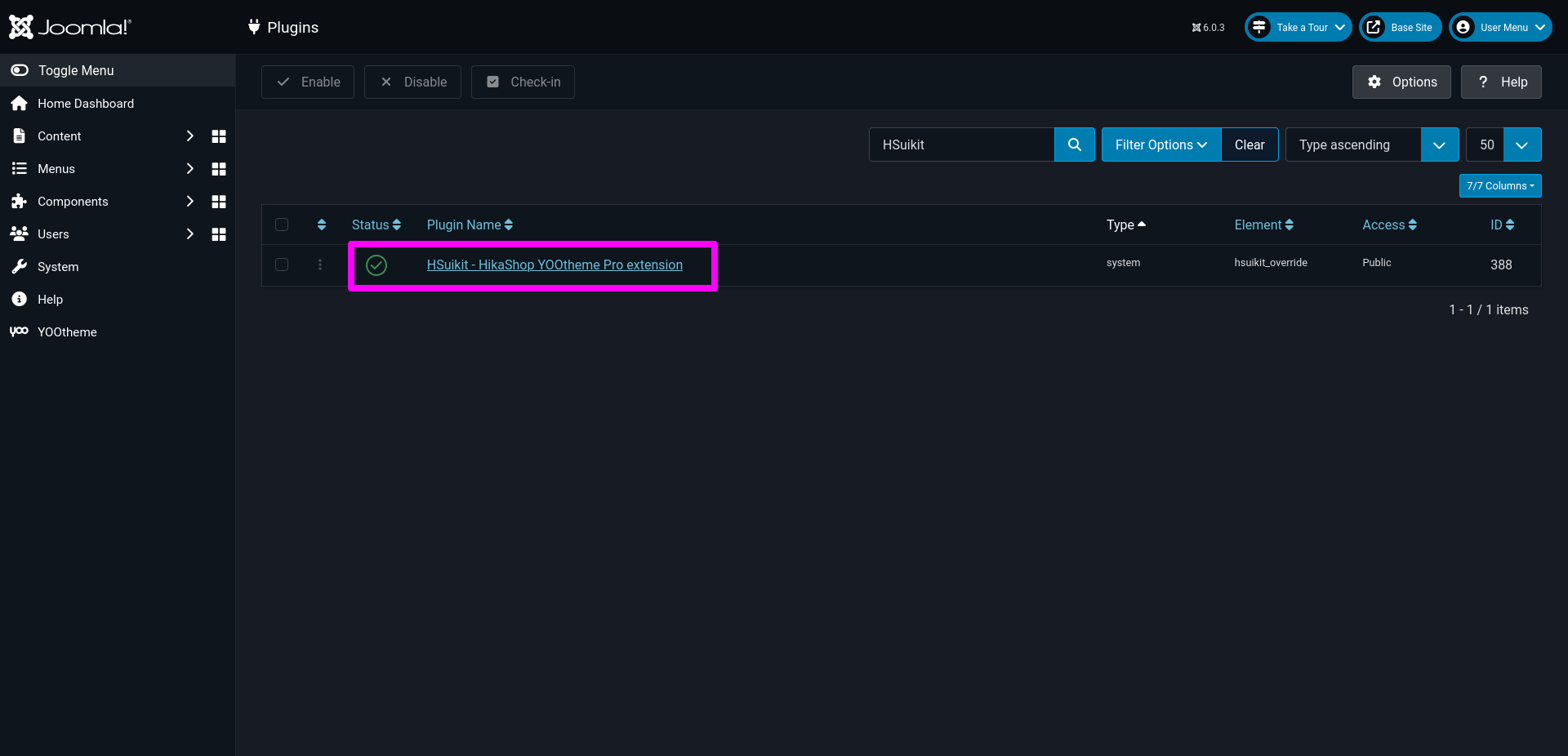
- From the main Joomla dashboard click “System -> Manage -> Extensions”. Use the Search or Filter feature to find the installed HSuikit Core extension and then make sure the required plugin is enabled.