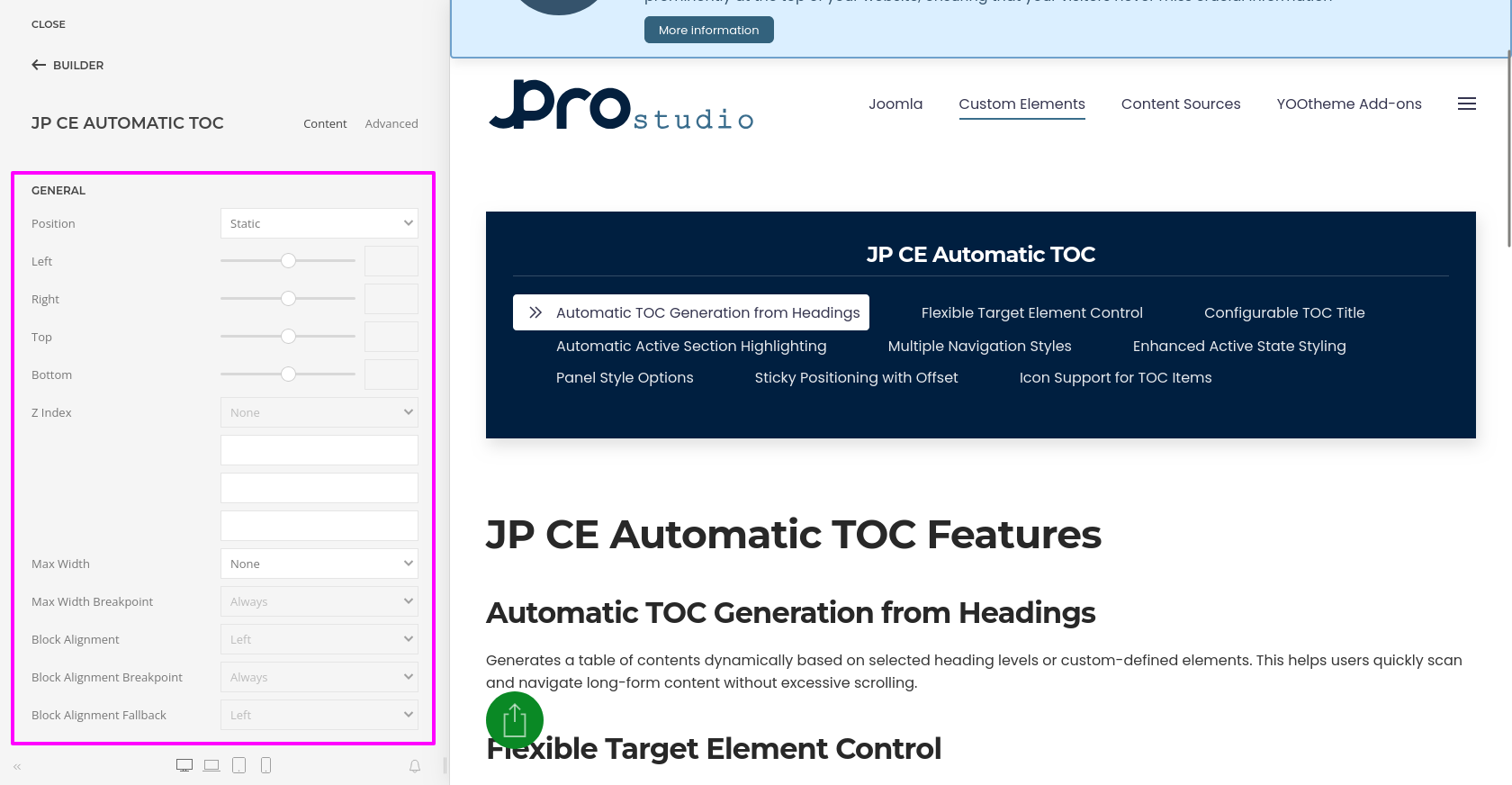
JP CE Automatic TOC - Add the new custom element
Article Index
Page 4 of 5
Add the new custom element:
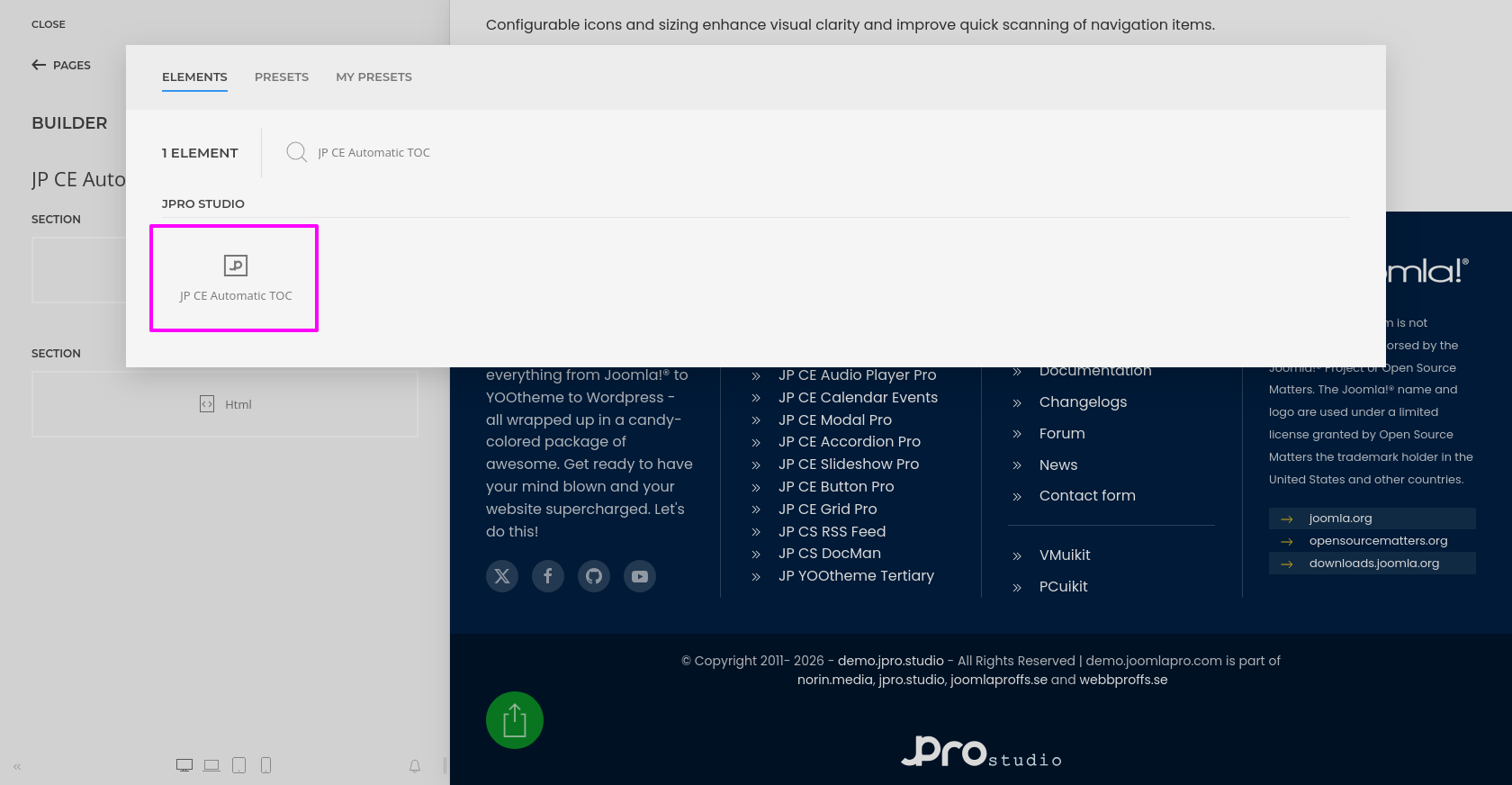
- Now open “YOOtheme” website builder inside the Joomla administrator area and edit the page where you want to add the installed “JP CE Automatic TOC” custom element.
- Then you can easily add the installed “JP CE Automatic TOC” custom builder element from YOOtheme Pro Website Builder.
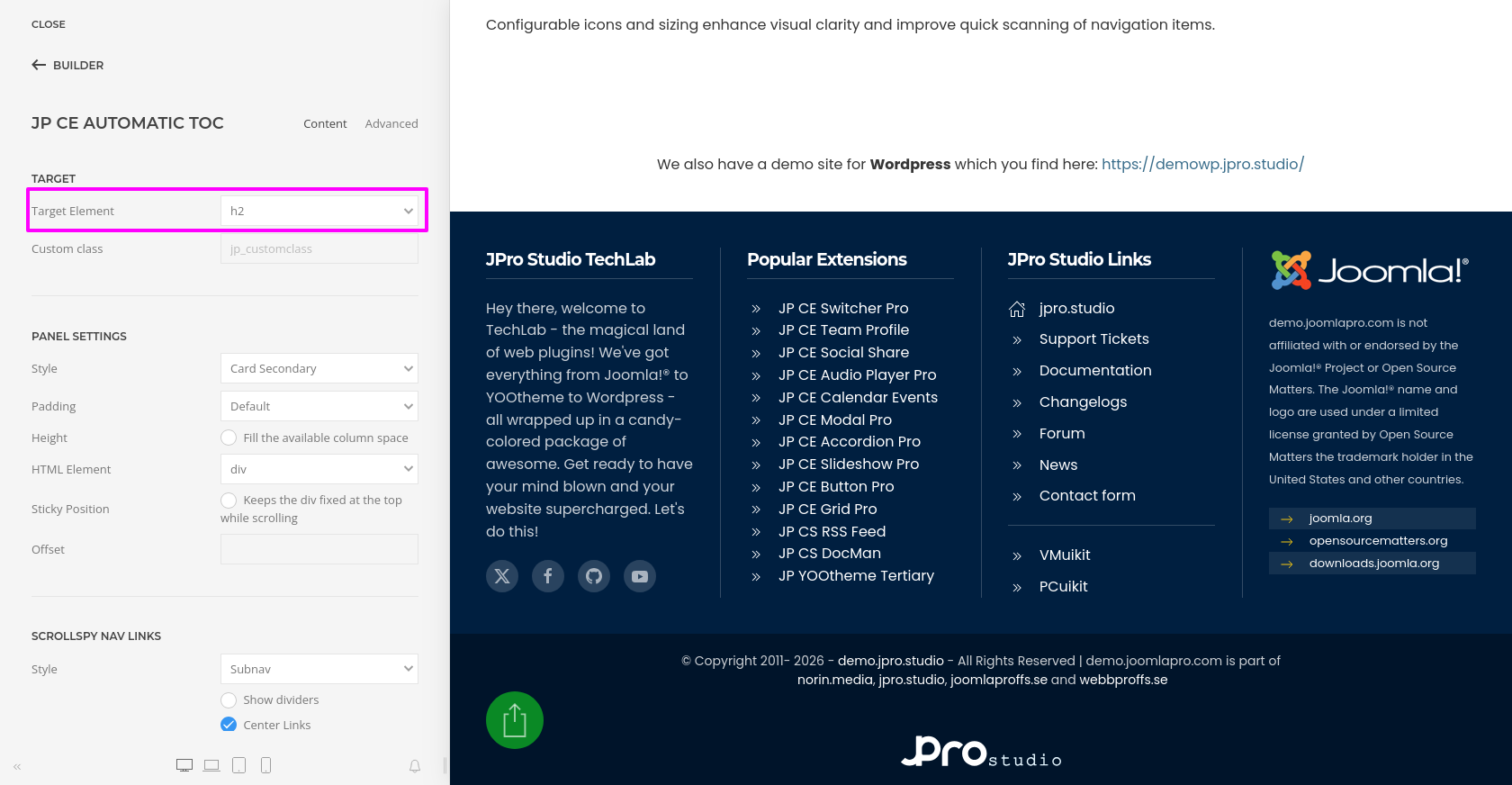
- After adding the element, choose the Target Element that should be used to generate the table of contents. You can target standard heading tags such as H1 to H6, or use a custom class for more specific control.
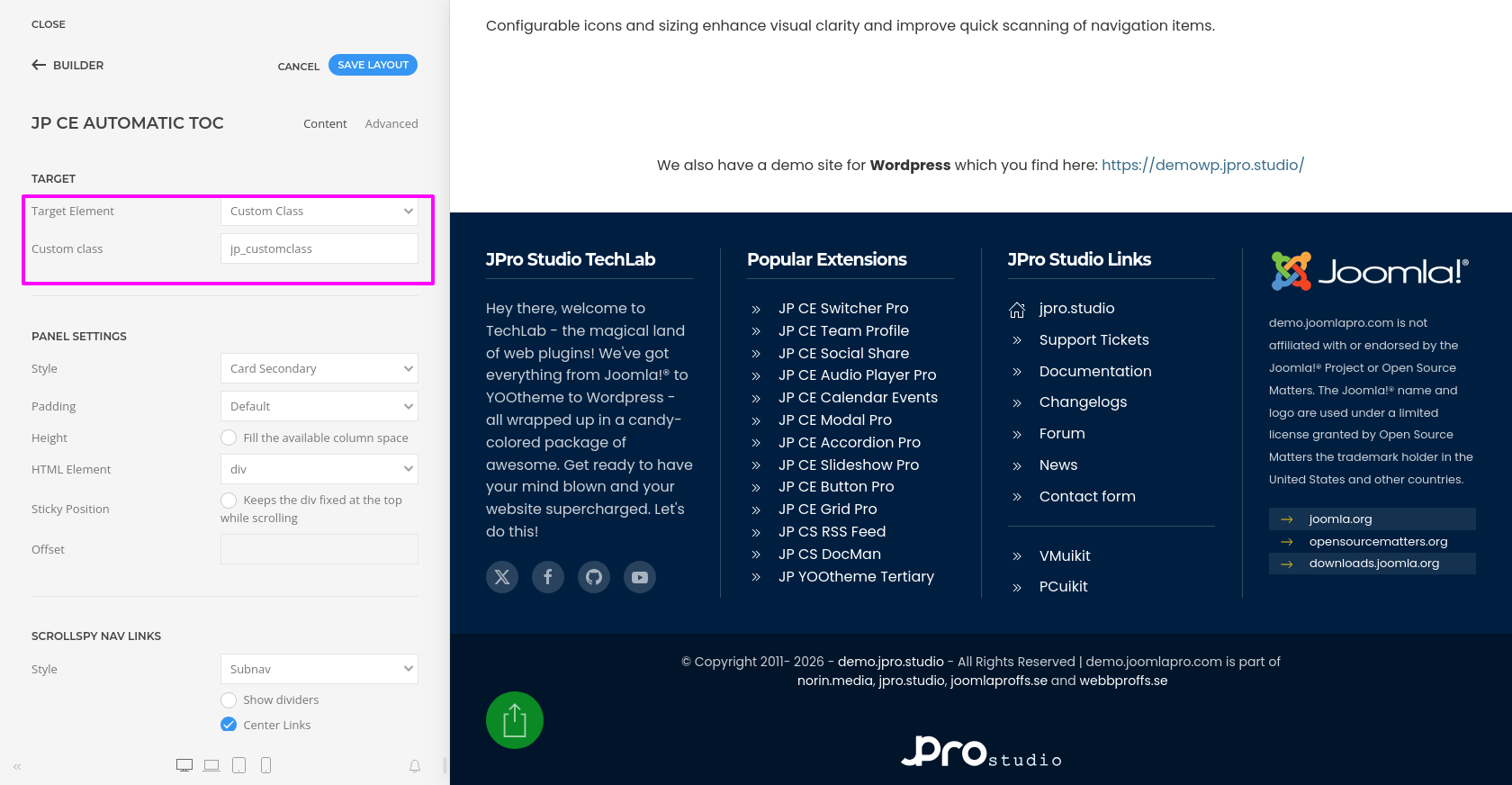
- If you select Custom Class as the target element, enter the class name so the TOC will only be generated from those specific content sections.
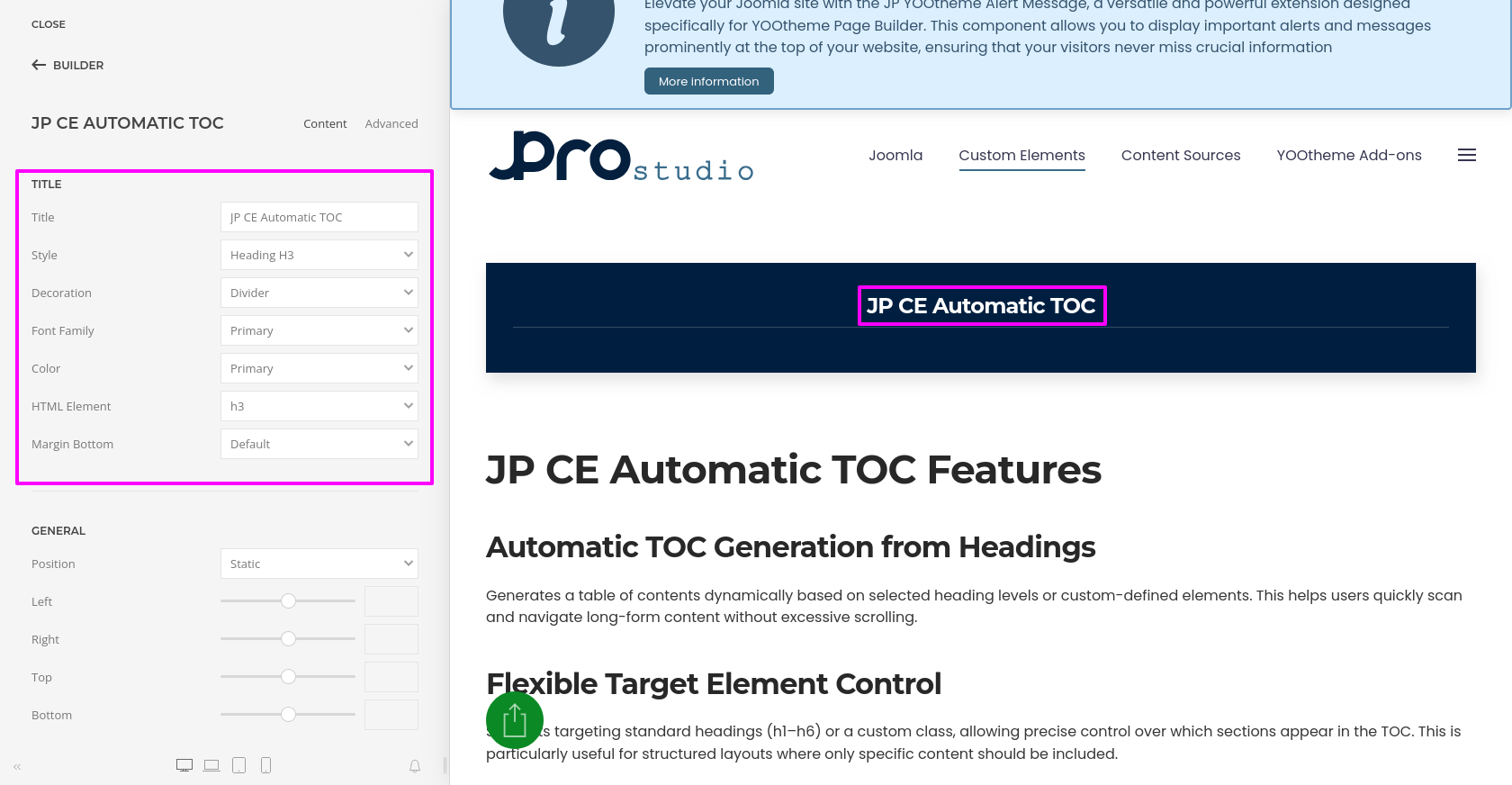
- You can add a custom TOC Title and style it to match your layout. This includes control over the title style, semantic HTML element, font, color, and spacing.
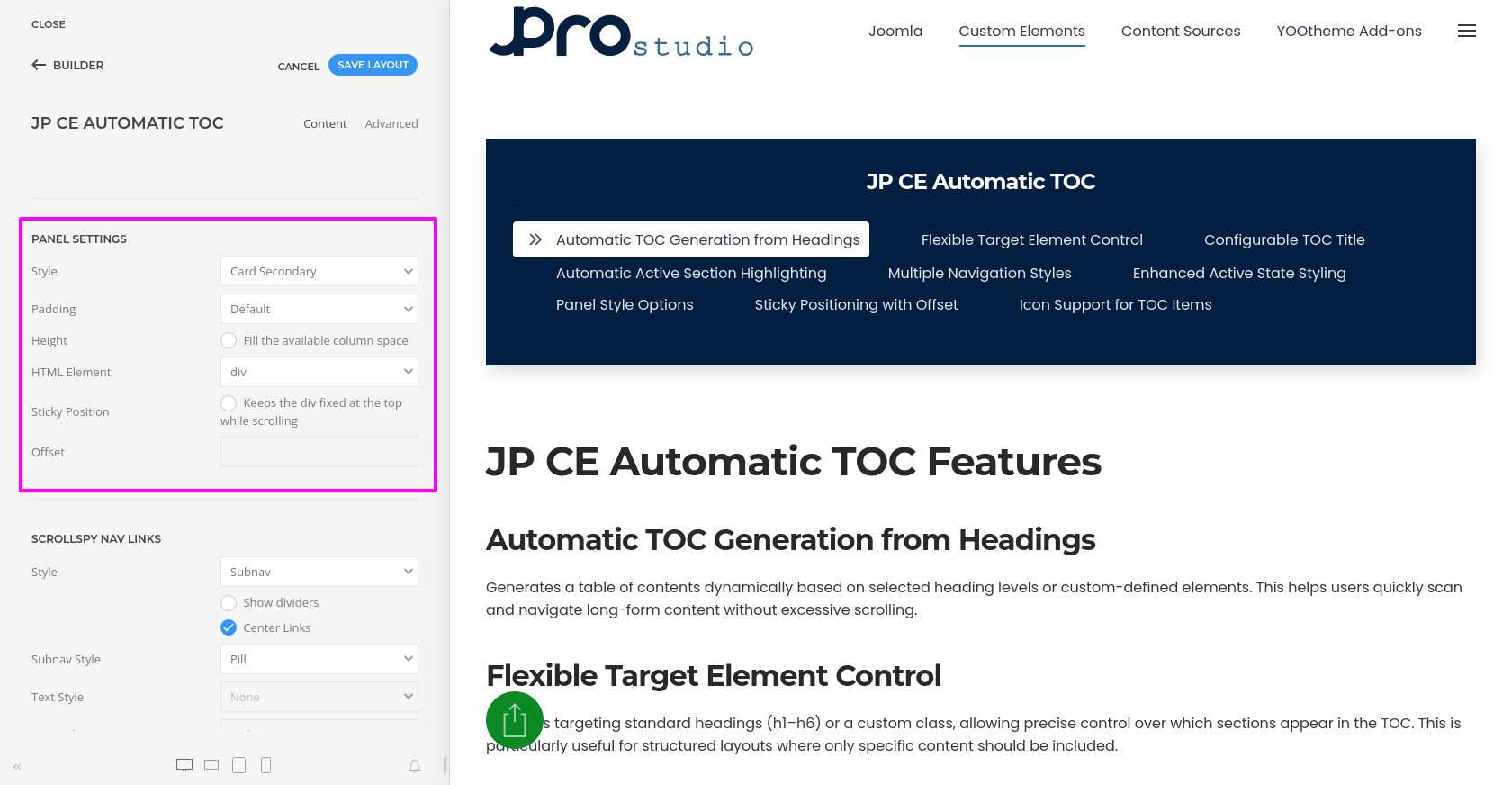
- Use the Panel Style settings to control the appearance of the TOC wrapper. You can apply card, tile, or minimal styles, adjust padding, and configure the layout to fit naturally within your page design.
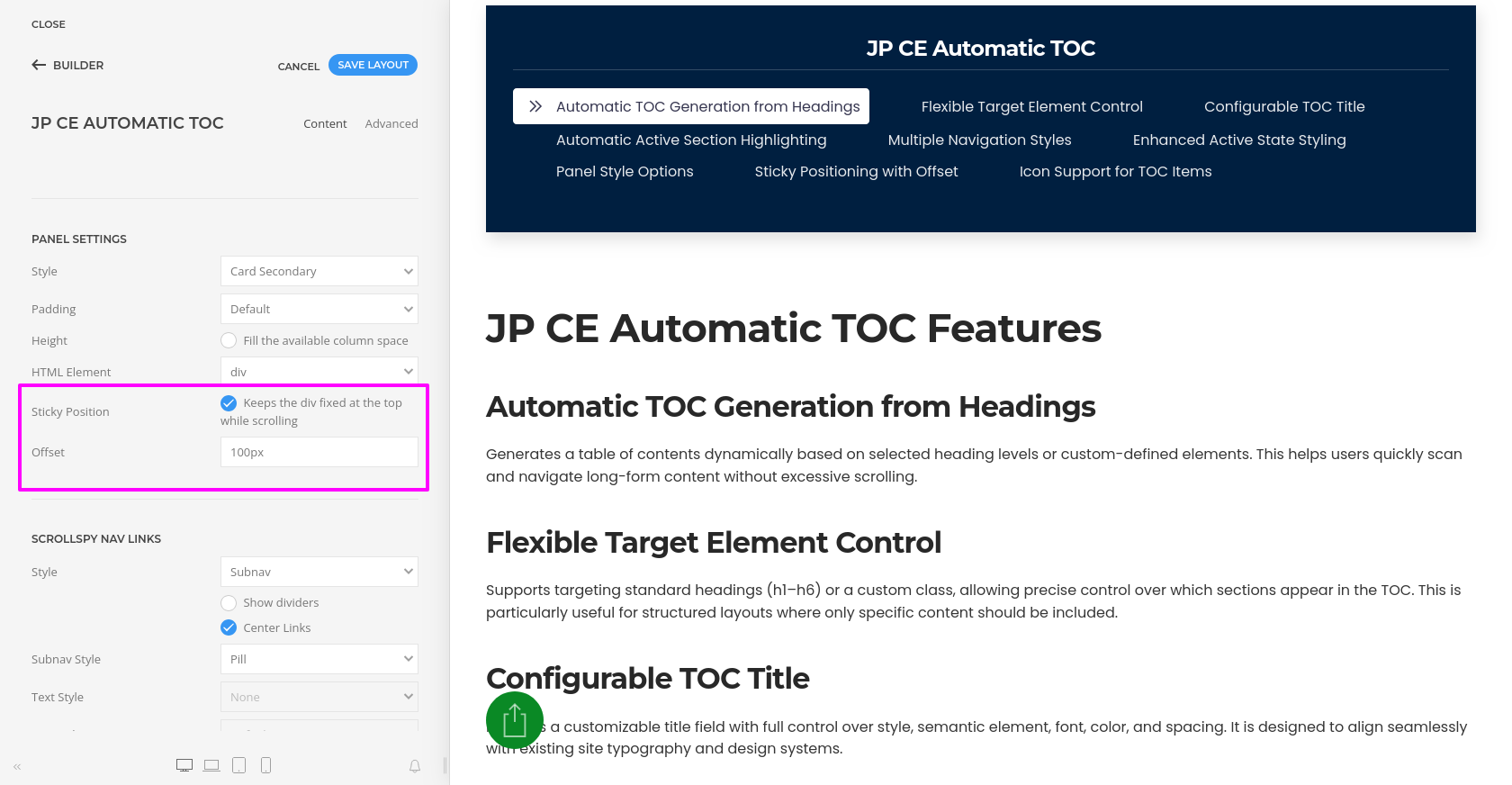
- You can also enable Sticky Position so the TOC remains visible while scrolling. Use the Offset option to prevent linked headings from being hidden behind a sticky header. A recommended value is 80px to 120px, depending on your header height.
- Configure the Navigation Style for the generated TOC links. You can choose from different nav styles such as Default, Primary, Secondary, Subnav, or Custom mode depending on your layout requirements.
- For standard navigation layouts, you can further refine the display using options such as divider styles, pills, tabs, and alignment settings.
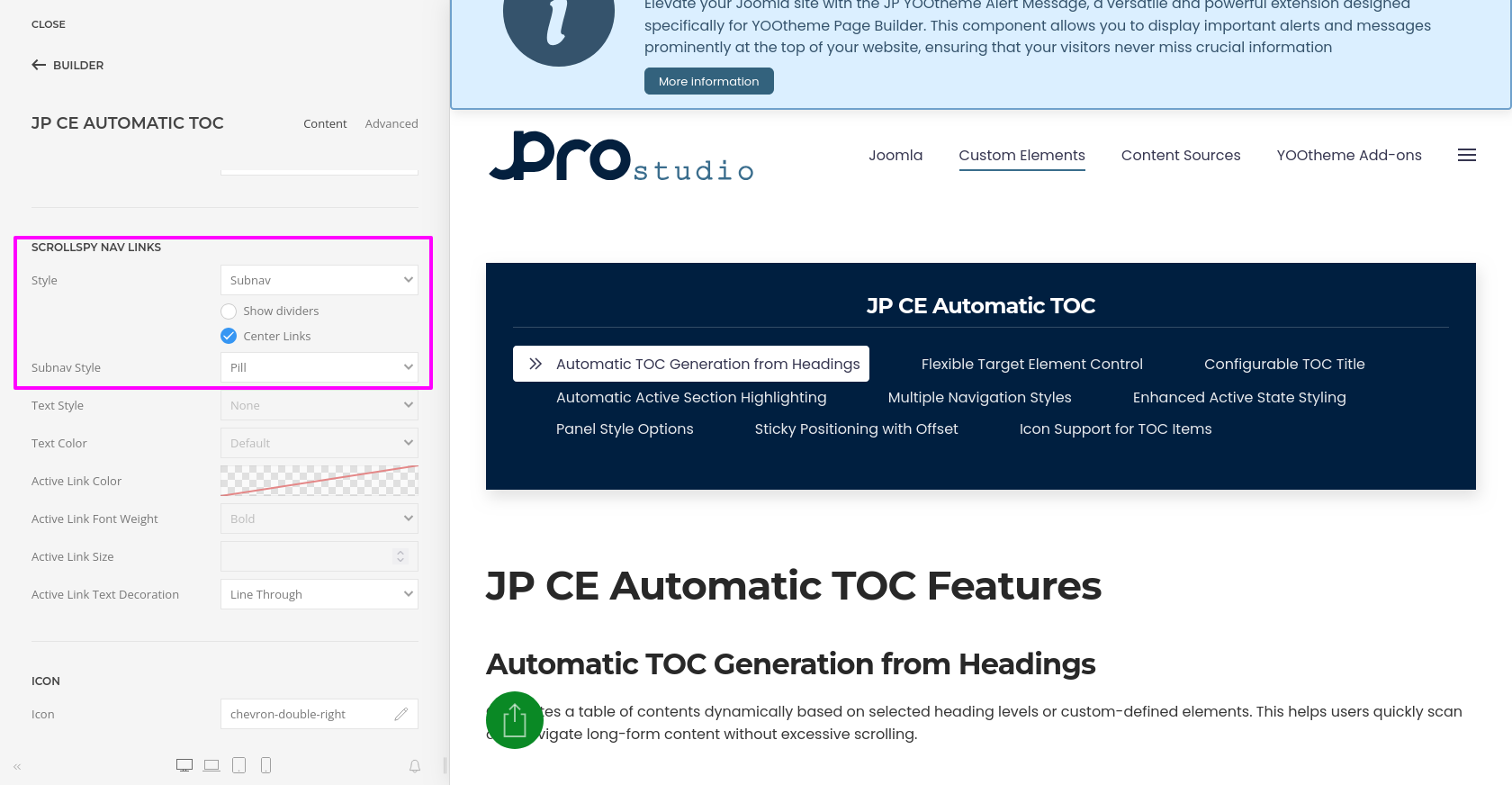
- When using Custom navigation mode, you can style the links in more detail, including text style, text color, active link color, active link font weight, active link size, and text decoration.
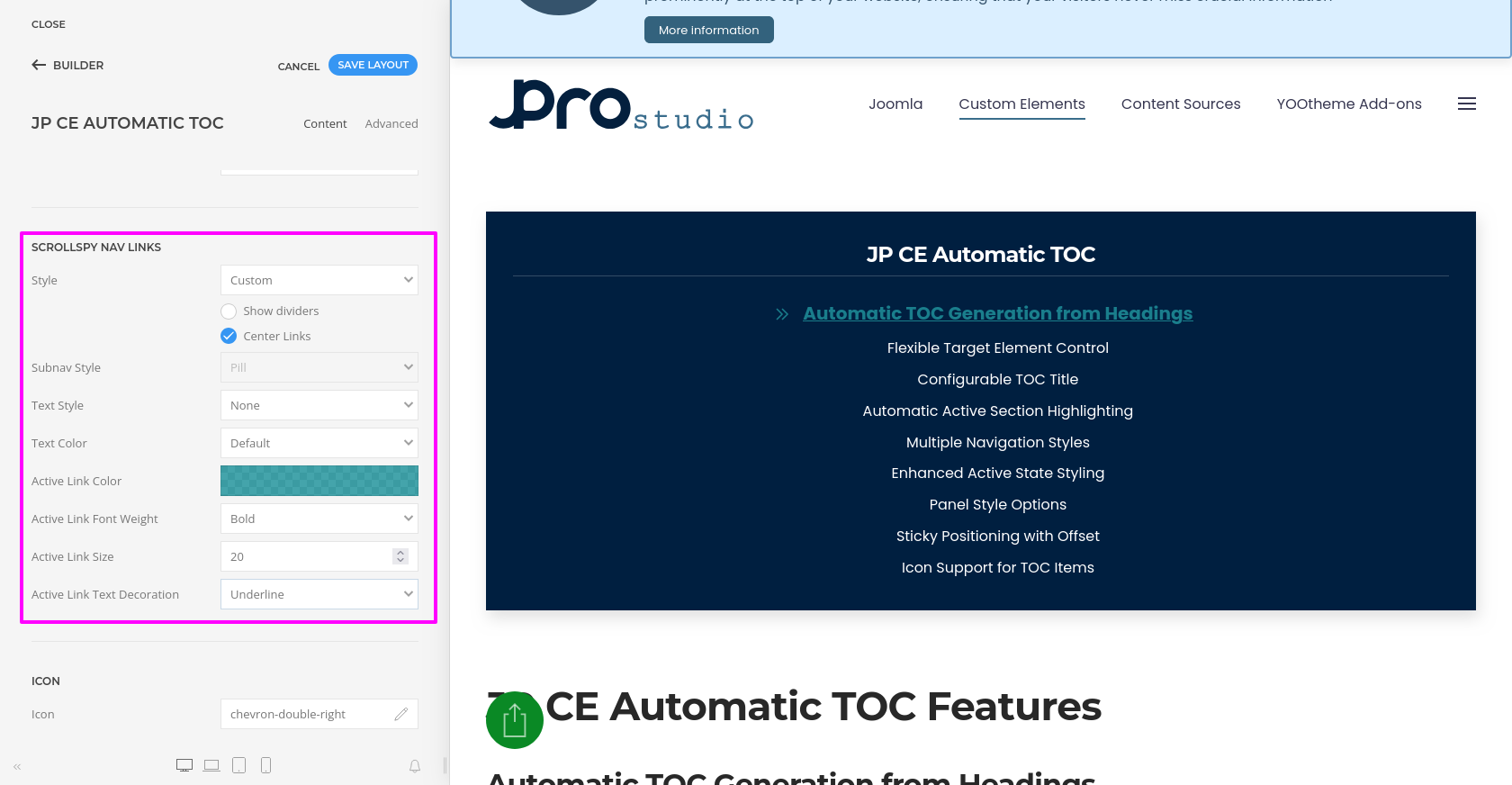
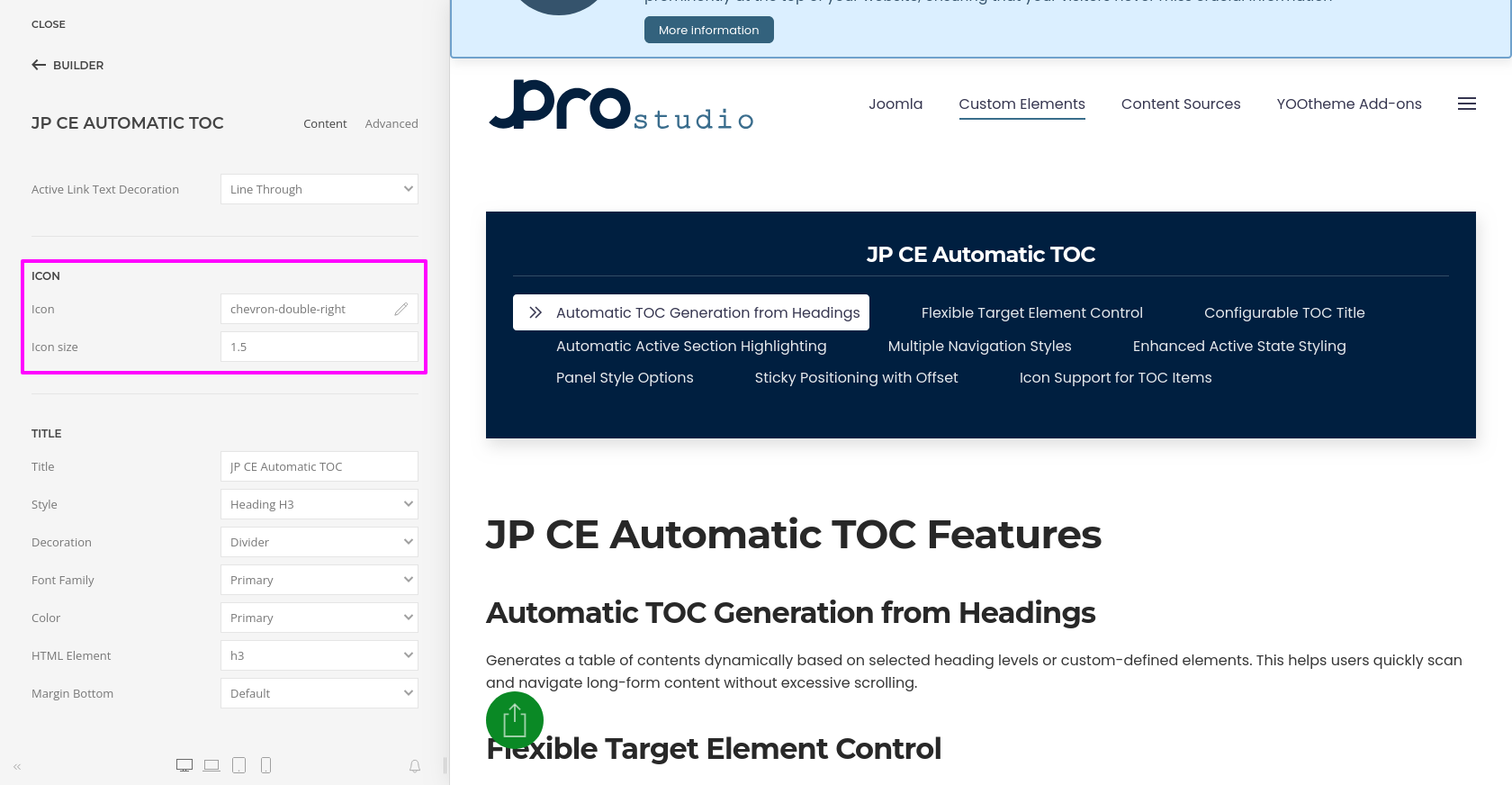
- You can also add an Icon to the TOC items and define the icon size to improve visual clarity and quick scanning.
- The element also supports the standard YOOtheme Pro builder parameters such as layout, positioning, spacing, visibility, and custom styling options.