JP VM Ajax Search - How to install
Article Index
Page 2 of 5
How to install:
- Download the latest “mod_jp_vm_ajax_search” module package from “JP VM Ajax Search” product page.
- Install the downloaded “mod_jp_vm_ajax_search.zip” using the Extension Manager menu in the administrator section of your Joomla website.
- After JP VM Ajax Search module successfully installed in your website then go to the next step.
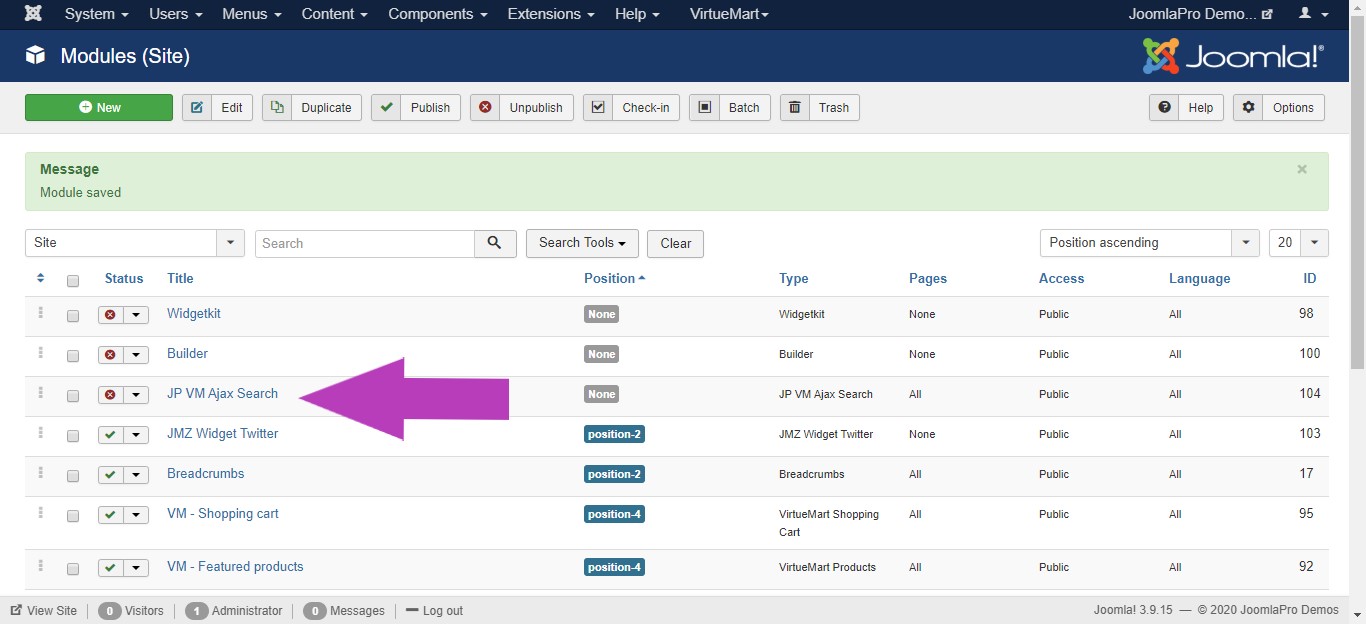
- From the main joomla menu click “Extensions -> Module manager”. Use the Search or Filter feature to find module, and then click on the module.
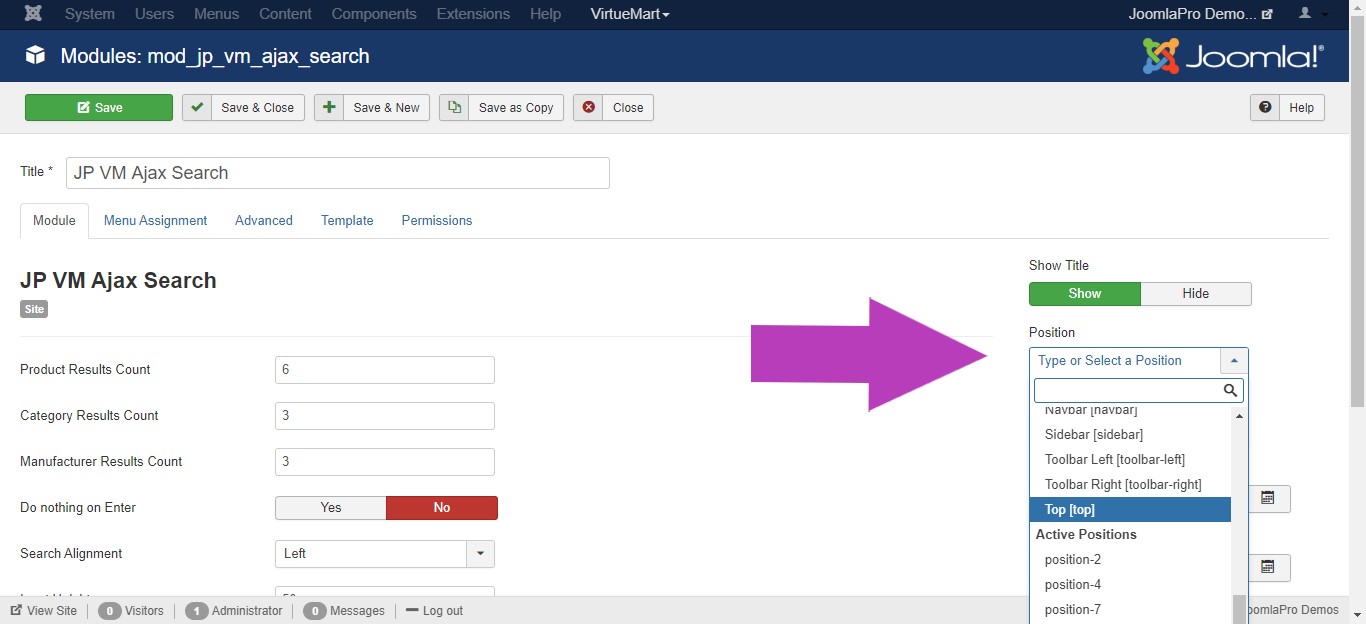
- You may select a module position from the list of pre-defined positions or enter your own module position by typing the name in the position field and pressing enter.
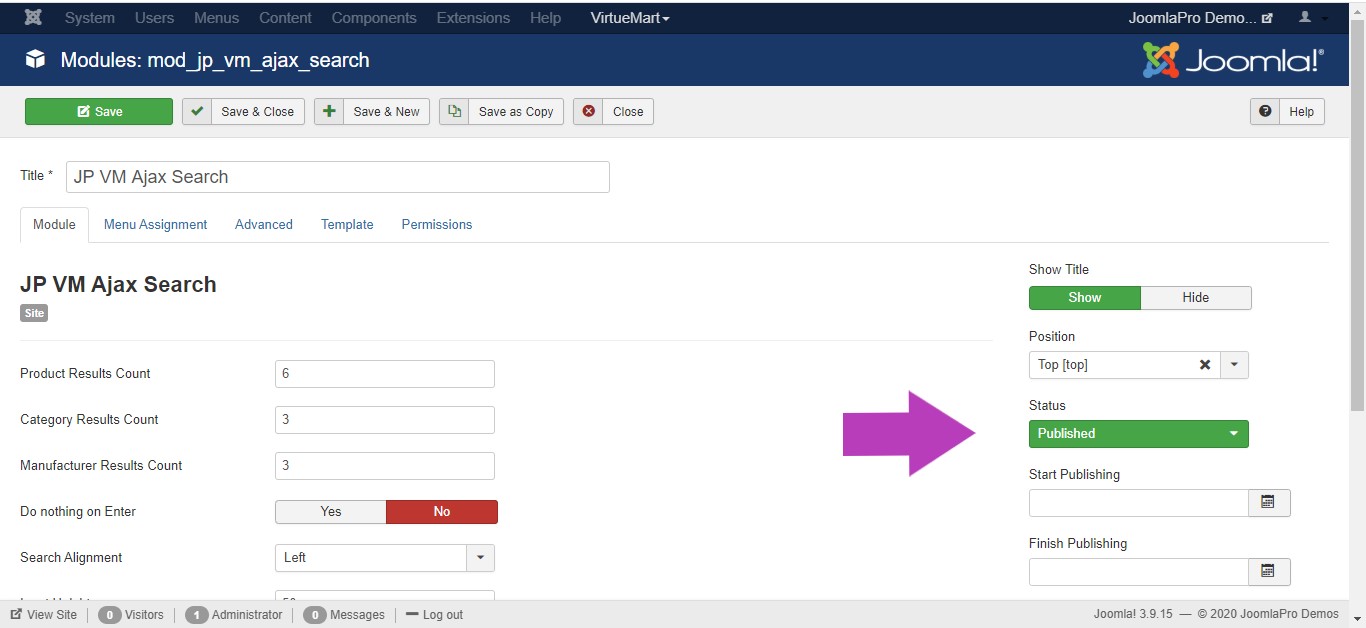
- Change module status from unpublished to published .
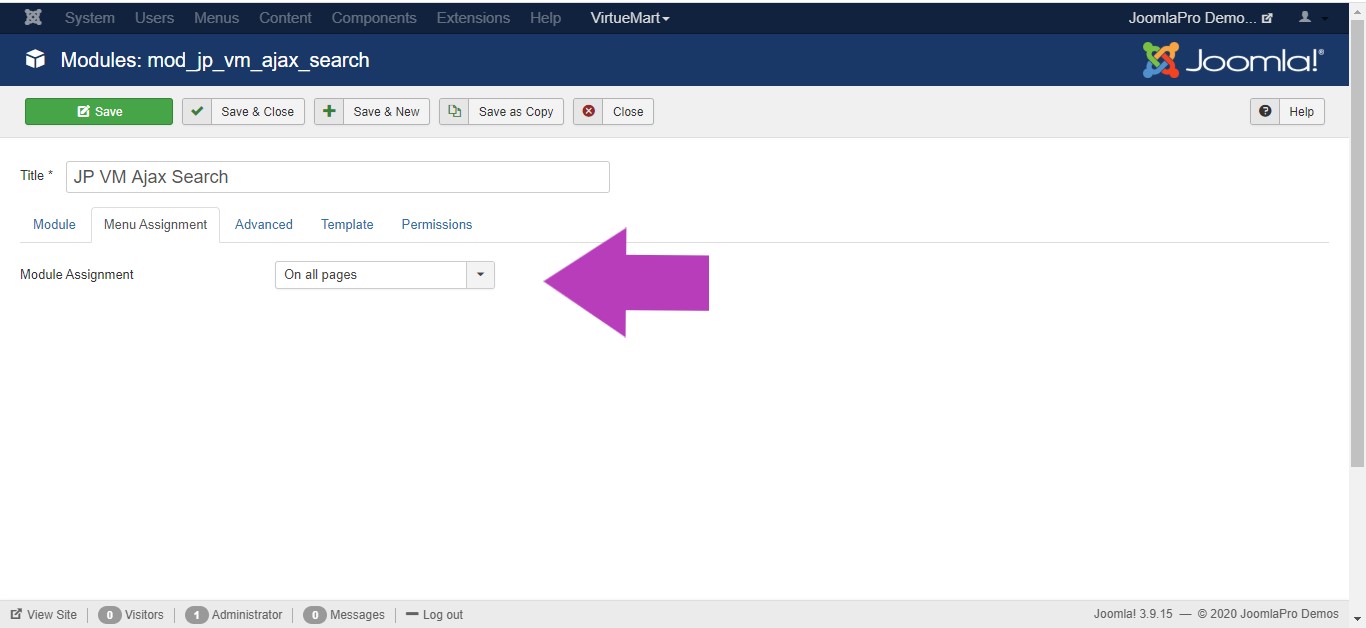
- Assign module to pages on which you want to see, “Menu Assignment -> Module Assignment”. Click “Save & Close” to save all the module settings.