JP Image Prepare - Using Unsplash images
Article Index
Page 5 of 6
Using Unsplash images
Beautiful, free images and photos that you can search and use from unsplash library.
- Before started using the search unsplash function in "Image prepare", you should get the Keys from this link - "https://unsplash.com/developers" after creating one demo application and fill the same in the Unsplash API Key , Unsplash secret Key, Unsplash Redirct URI settings in "Options"
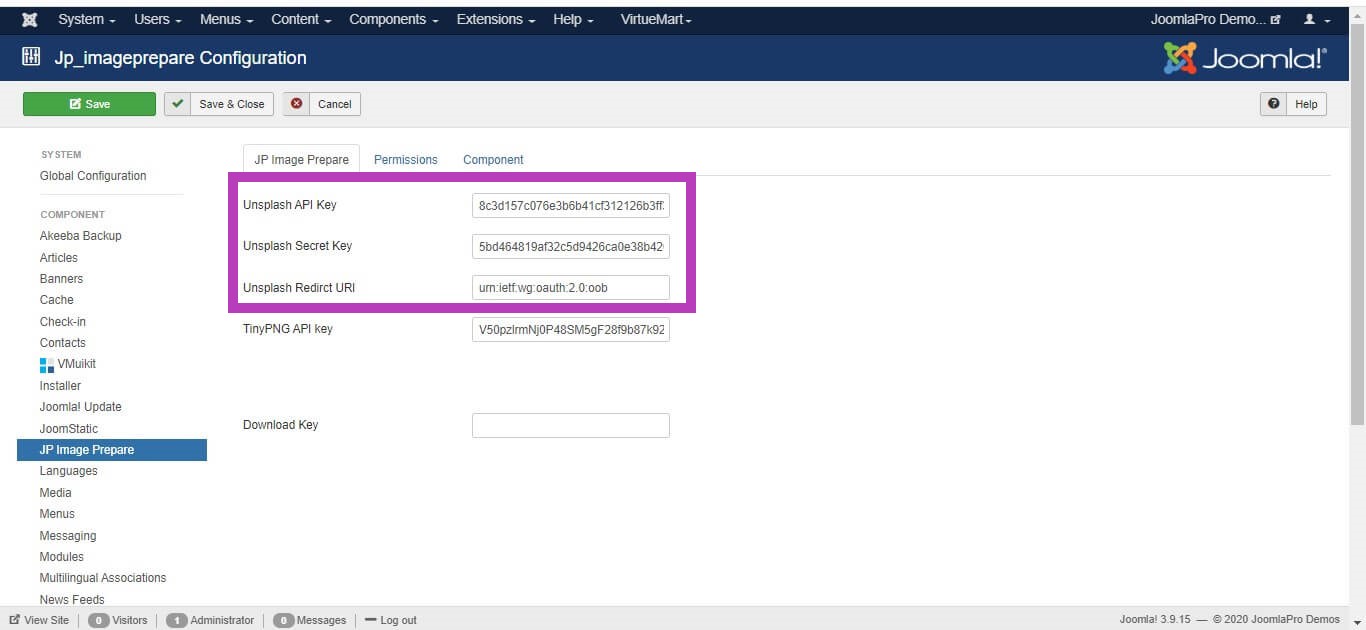
- Click “Save & Close” to save all the settings.
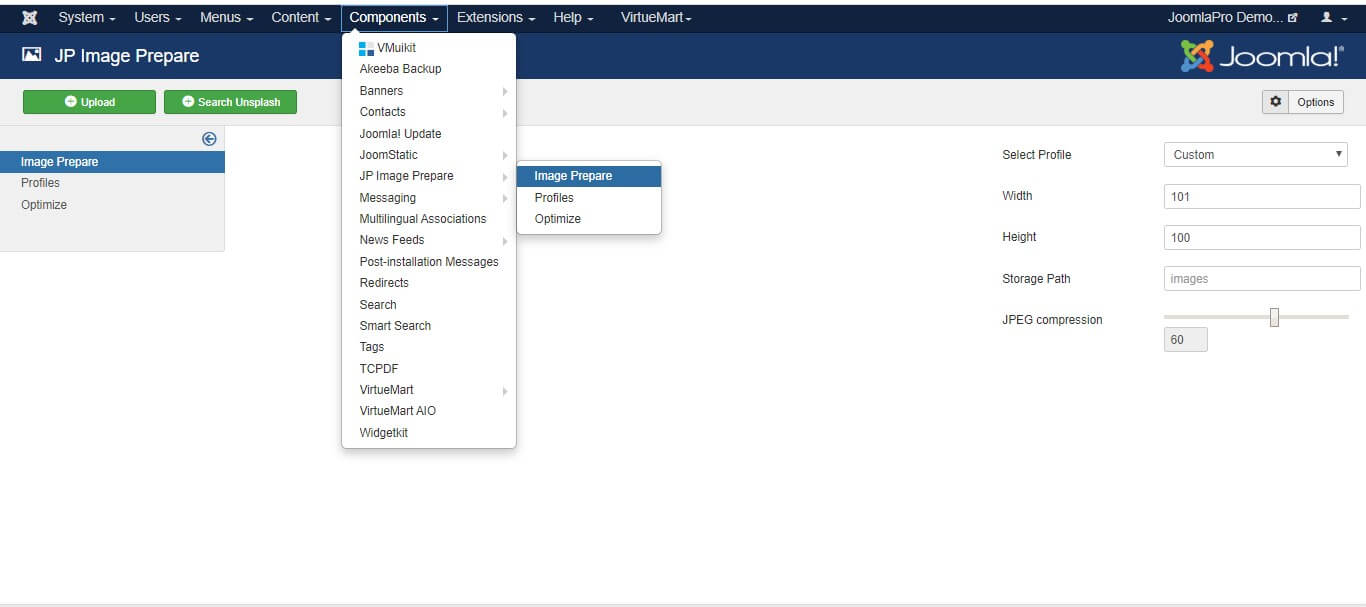
- Then go to Components -> JP Image Prepare -> Image Prepare
- Please set a fixed width and height for the final image you want to prepare for
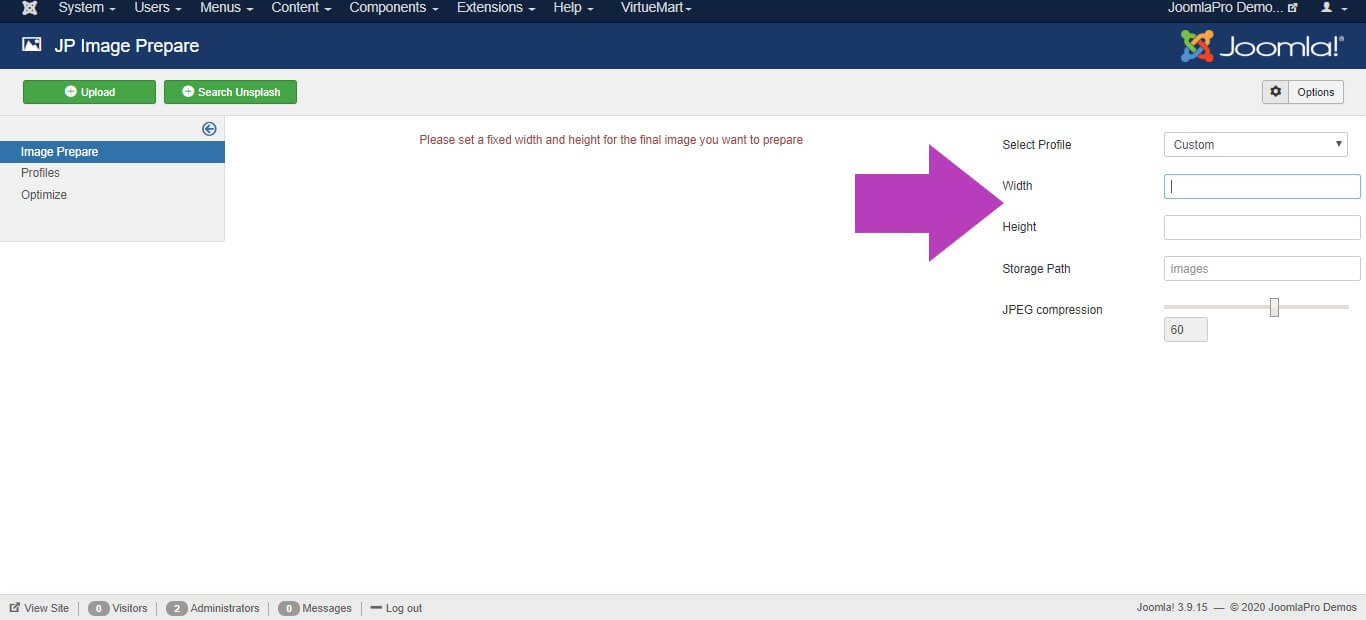
- After setting the custom width and height or select the profile, click the "Search Unsplash" button
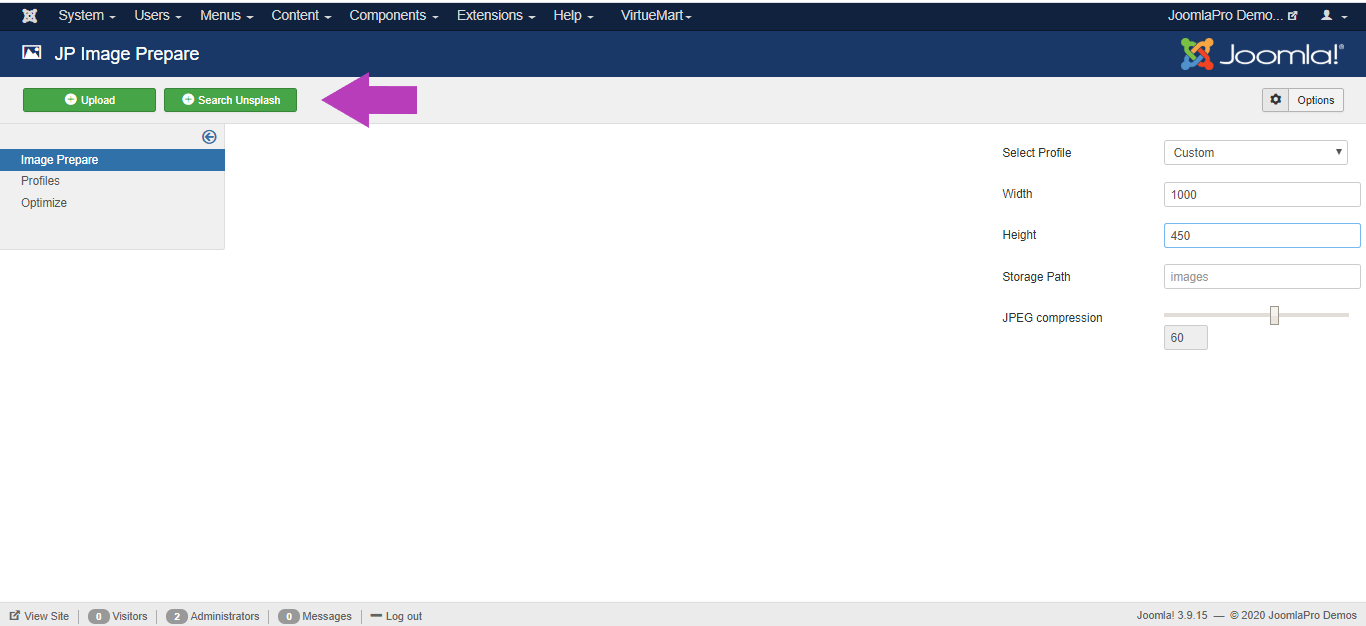
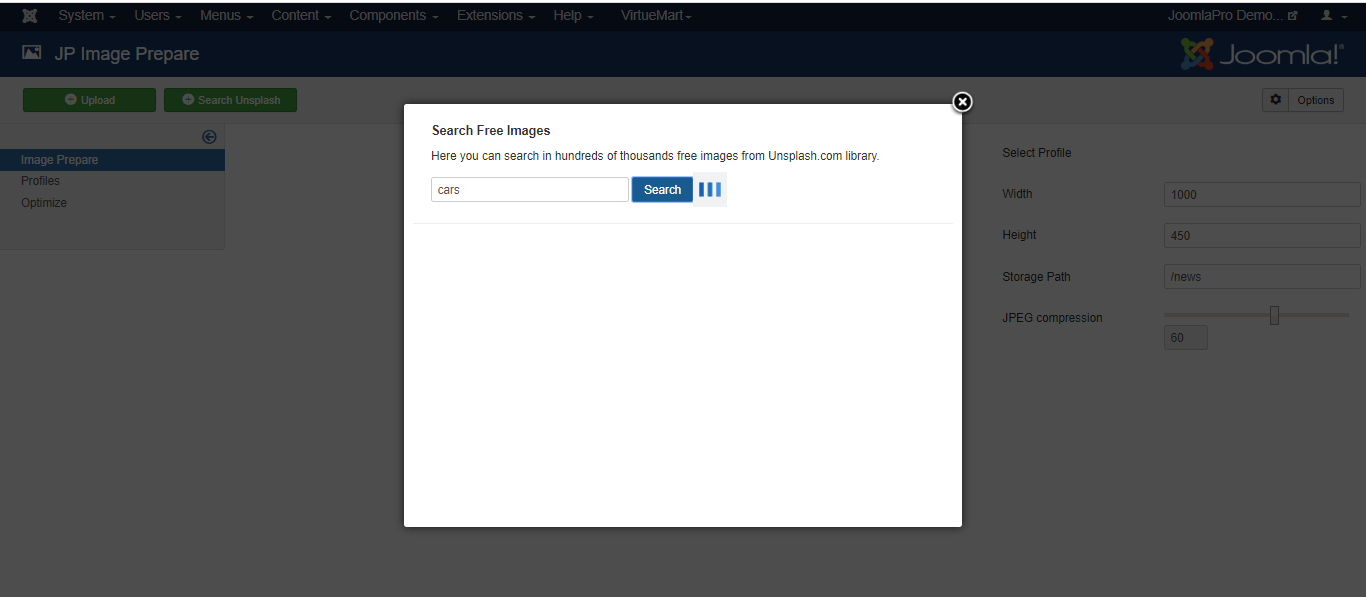
- Search beautiful free images and photos that you want using the keyword and select from the searched results.