VMuikit X - Add Previous & Next Product link
Article Index
- VMuikit X
- How to install
- Recommended VM settings for VMuikitX
- Content Sources (Dynamic Content)
- Custom Category
- Custom Product
- VirtueMart Product Details Layout
- Child Products table
- Custom Badges for VM Products
- Add Ask a question button
- Add VM custom fields
- Add Product Ratings & Reviews
- Add Related Products
- Add Previous & Next Product link
- VirtueMart Category Layout
- VM Sub or child Categories
- VM Category Module
- VM Category Sorting Filter
- VM Category Products Prices Display
- VirtueMart Manufacturer Default Layout
- VM Order Thank You Page Layout
- VM Content Fields
- Custom Elements
- VM AddtoCart
- VM Category
- VM Category Grid
- VM Product
- VM Product Grid
- VM Grid
- VM Utilities
- Modules
- Component
- One Page Checkout plugin
- Shortcode Plugin
- Custom changes in VMuikit X override files
- Override VMuikit X modules layout files
- Override VMuikit X OPC layouts
- Override VM dynamic content fields in VMuikit X
- How to fix VMuikit X onepage checkout language issues?
- How to fix VMuikit X layout issues?
- Video Tutorials
- All Pages
Page 14 of 41
Add Previous & Next Product link
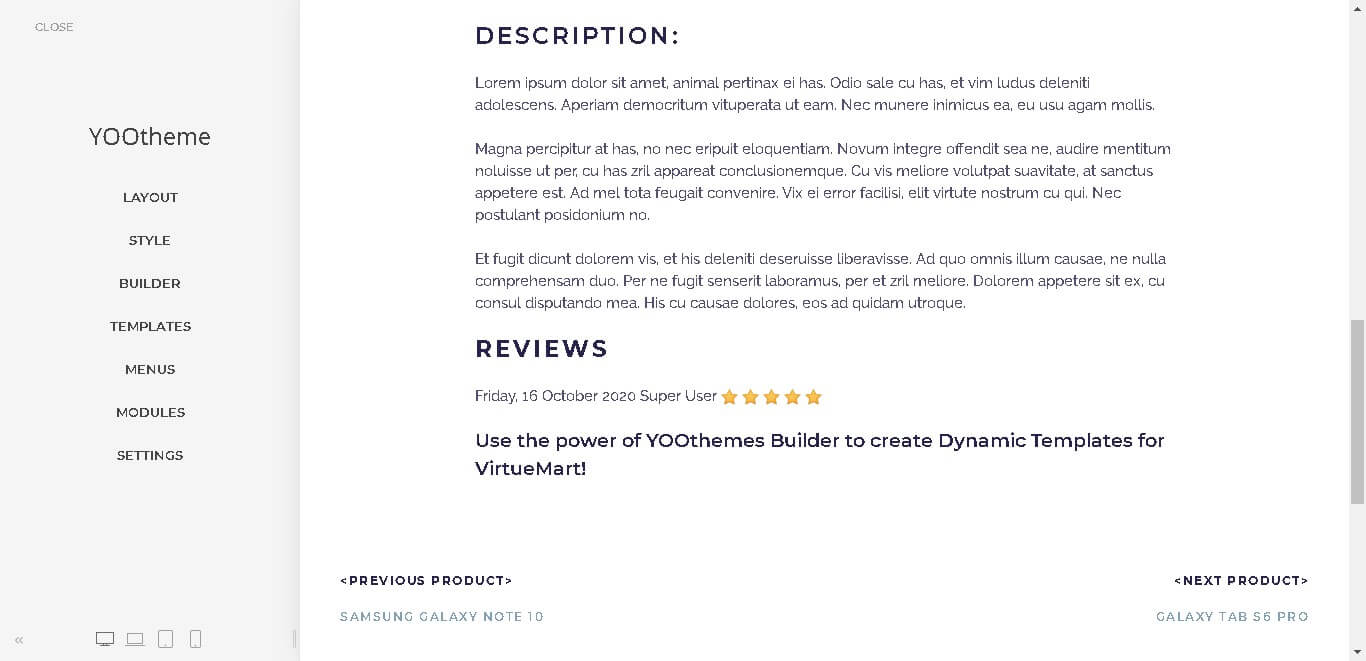
Using this feature you can create a previous or next product link in the product details page.
- Open "YOOtheme" website builder inside the Joomla admin and open the product details page of any product.

- Click on the Yootheme PRO Website "Builder" and then click "Open Templates".


- From the listed templates, click "Builder" of the product details template layout.
- Here you found the predefined virtuemart product details template layout using yootheme elements with virtuemart dynamic content sources.

- Then click "Add element" on the builder in which element you want to add "Previous or Next Product" links .
- Select "Heading" element on the builder and add it into the product details page .
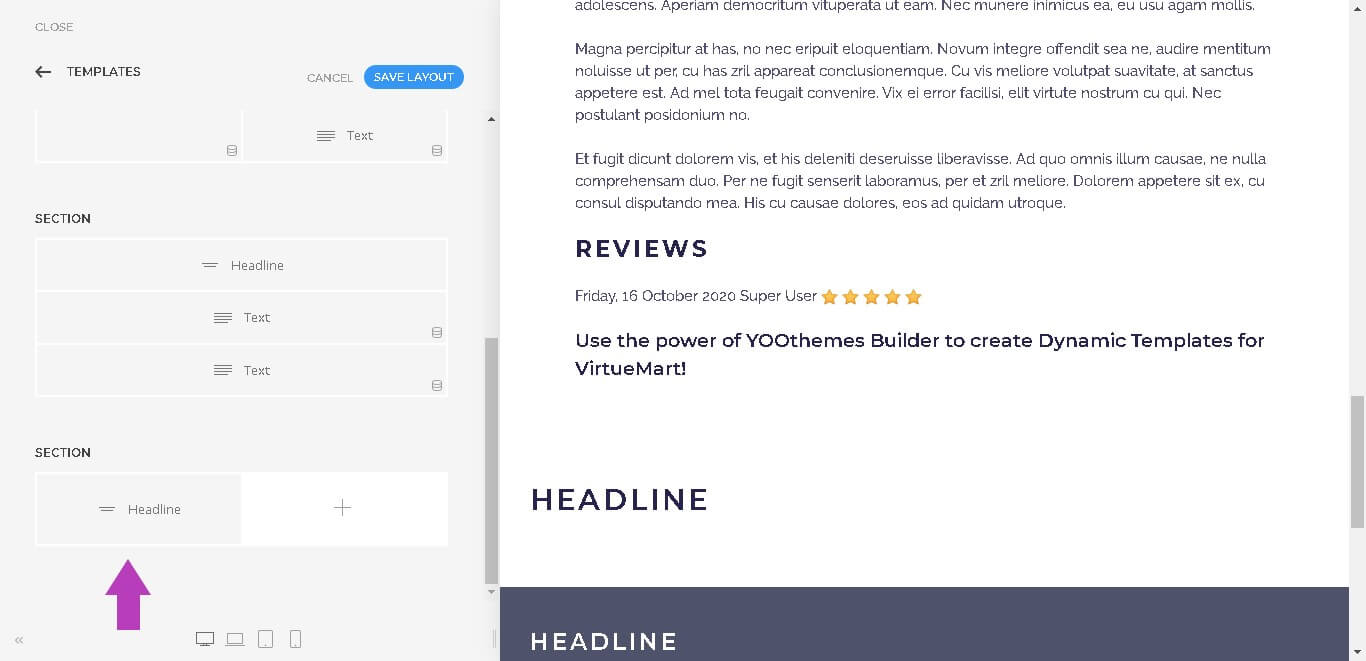
- Add the content of the new element as per your choice.

- Click "Advanced" menu in the new item, then select the option "VM Product Details" from "DYNAMIC CONTENT" .

- Once a virtuemart content source is selected, its fields are available for mapping.
- To map a content field to an element's field, open the Content tab of an element. Each element field shows a Dynamic button on the right which opens a dropdown with a list of all available content fields.


- Same way you can add more elements as per your requirements.

- Once finished all the settings for the element , Click "Save layout" and "Close" the website builder.